
Product photos and videos that sell
Join the millions of modern sellers replacing expensive photoshoots with AI.Snap it once. Photos and videos in seconds.
Works with:
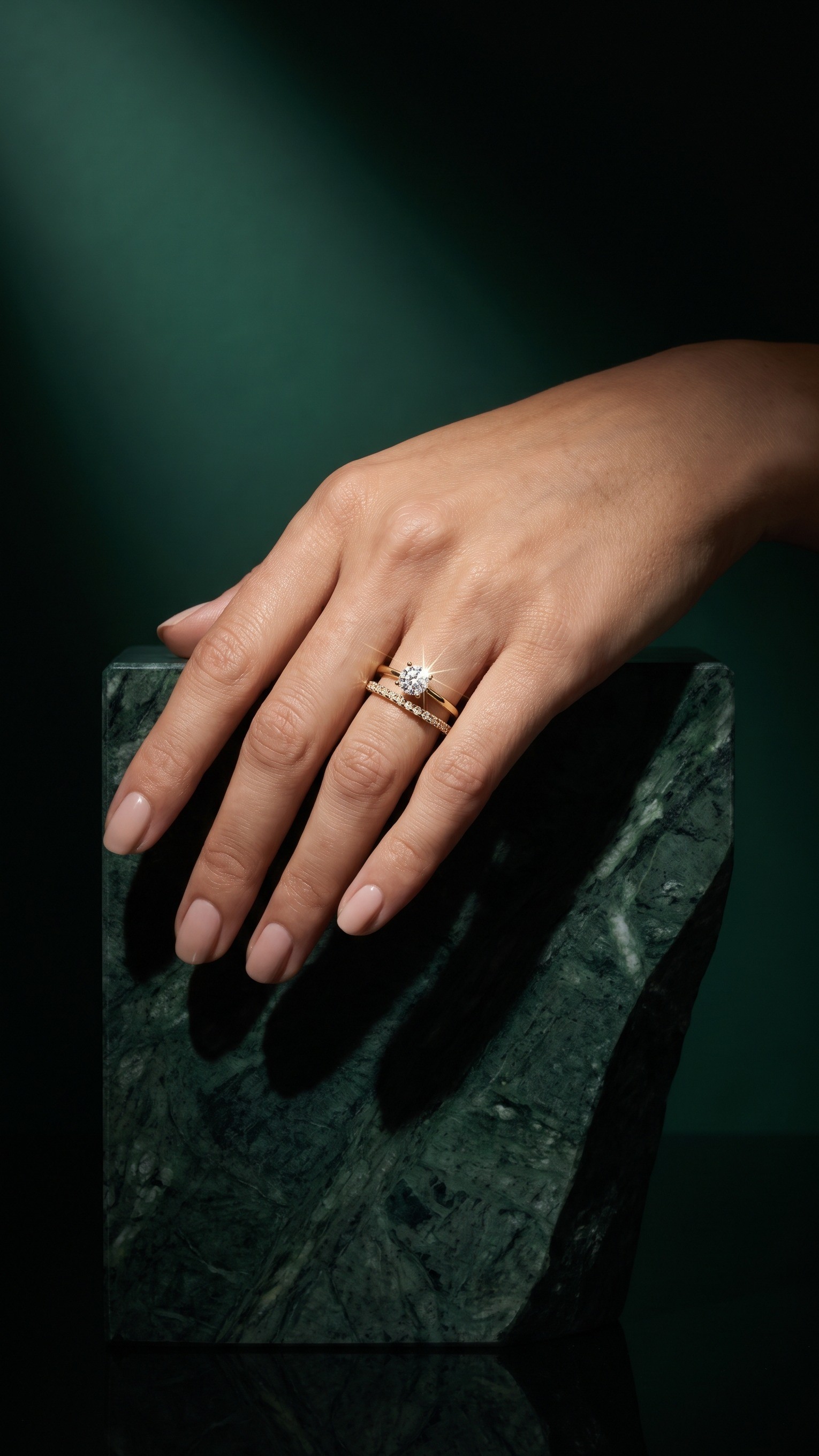
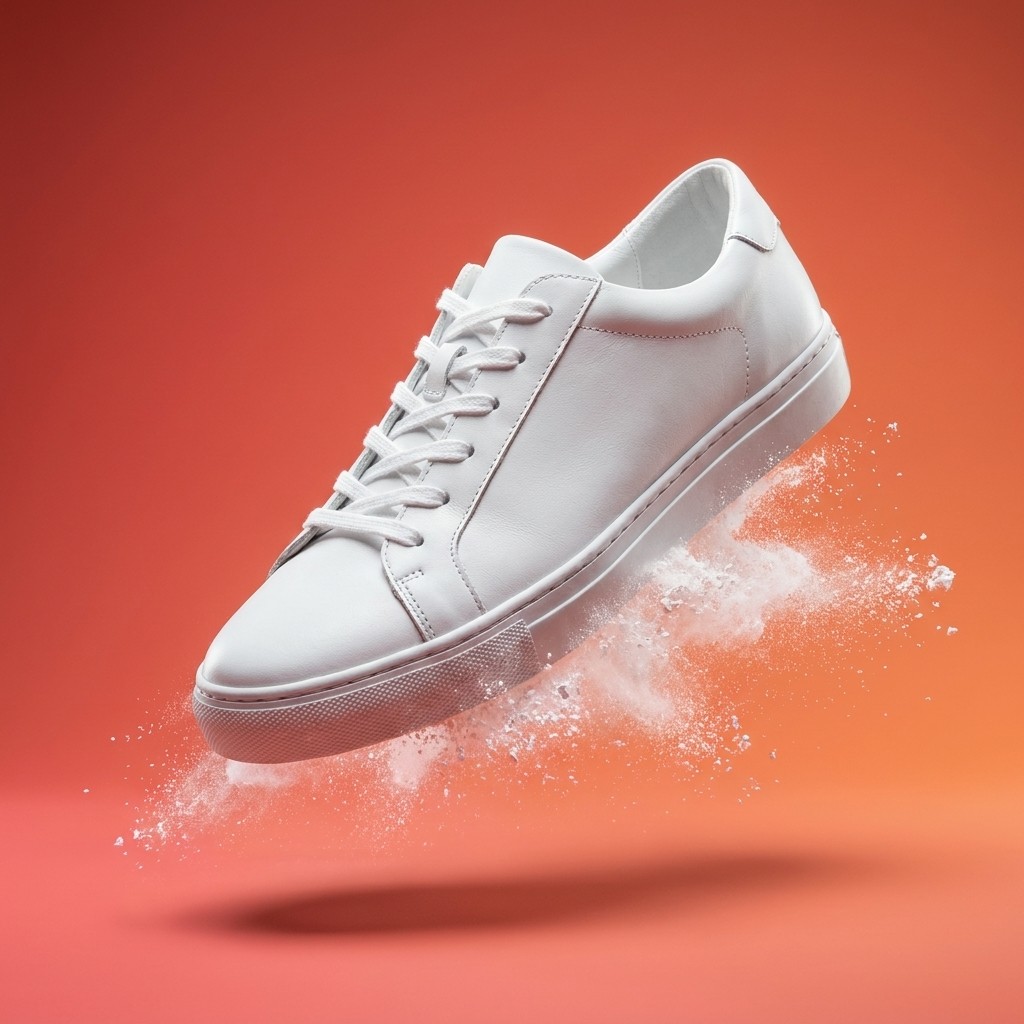
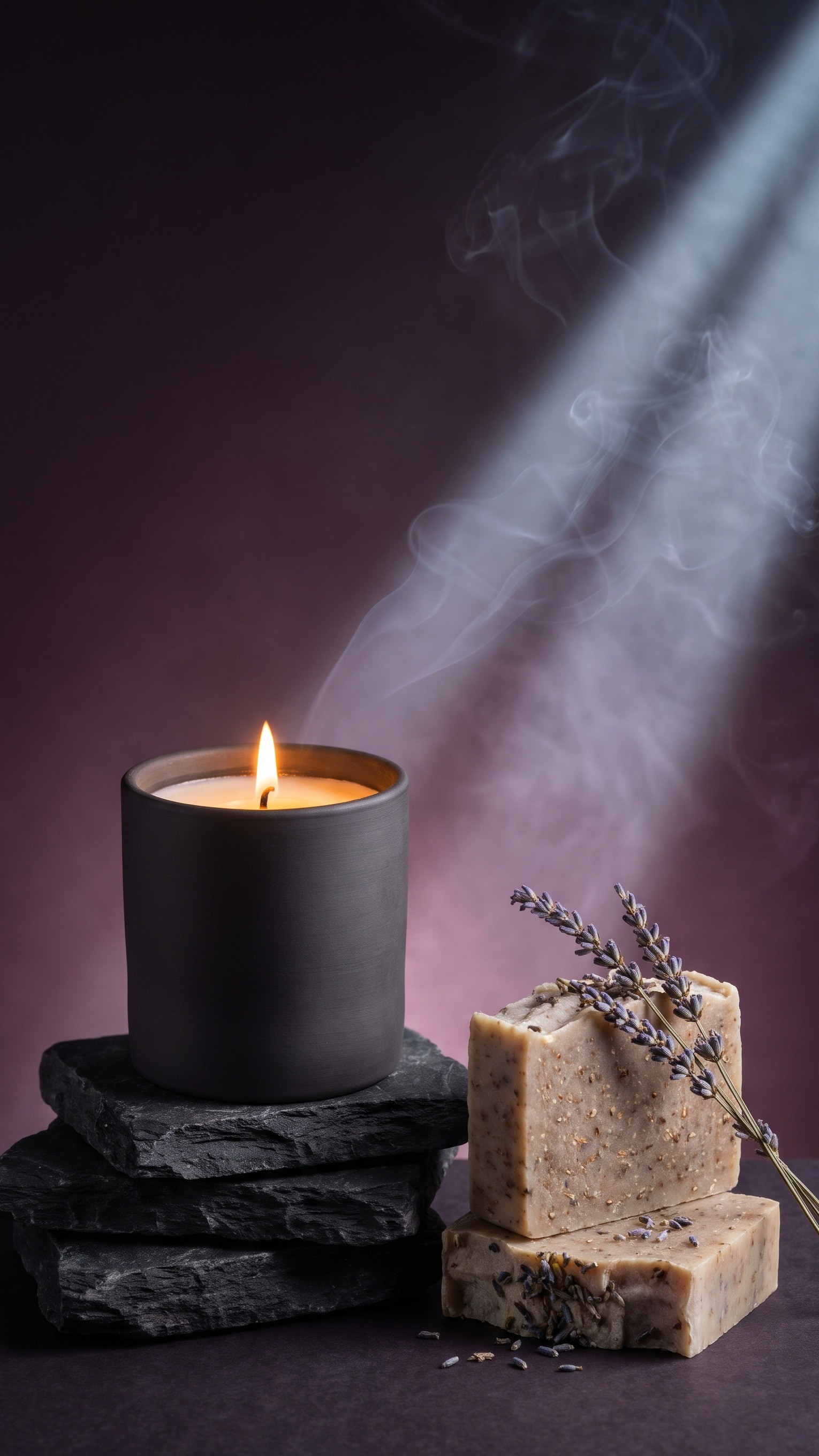
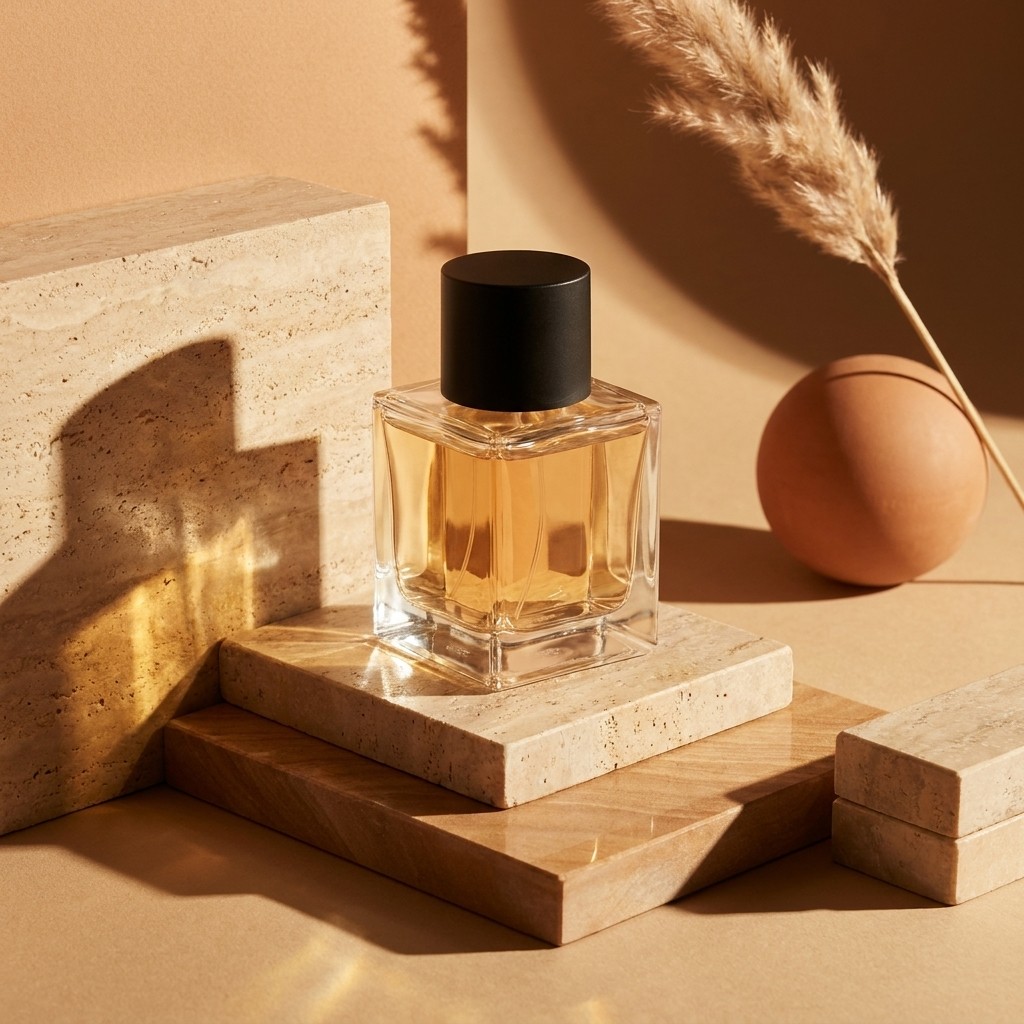
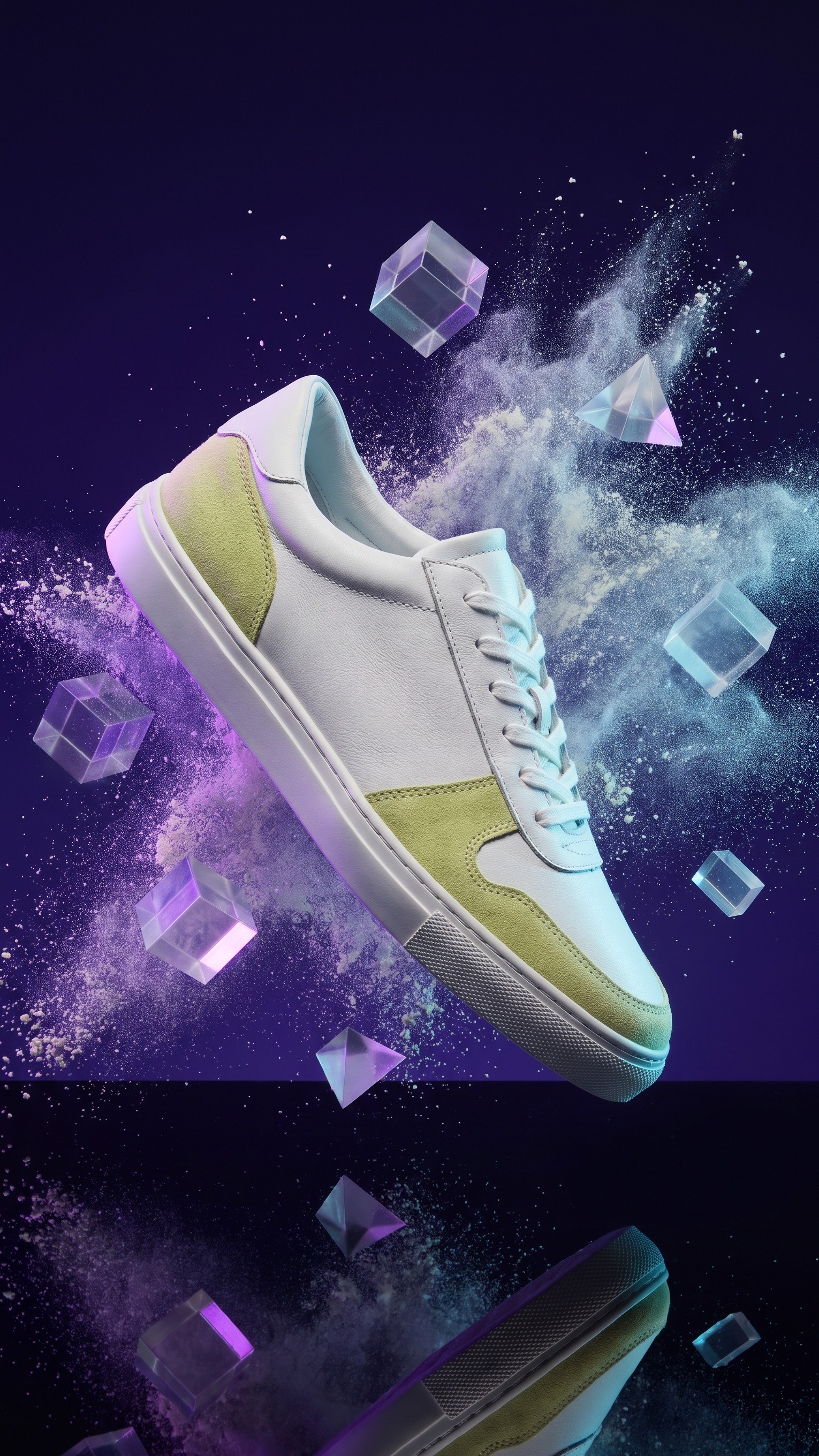
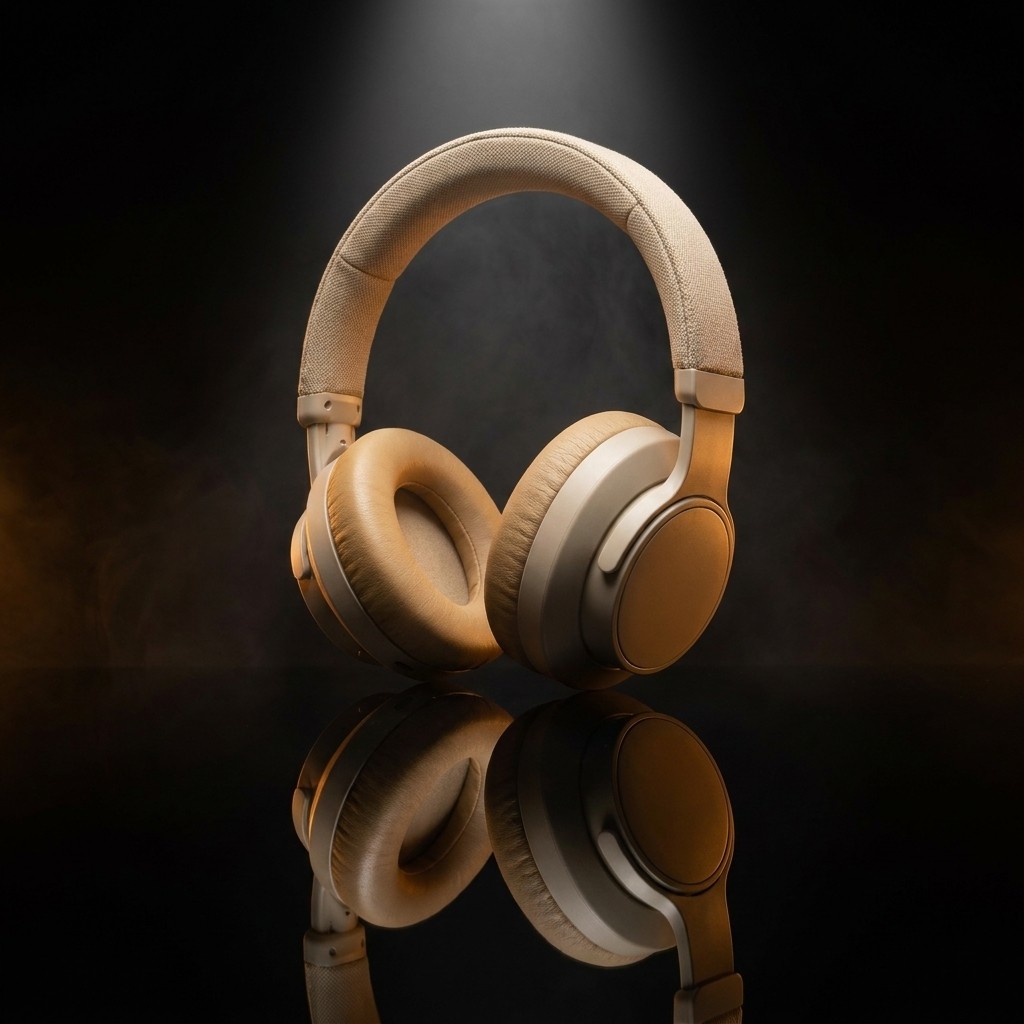
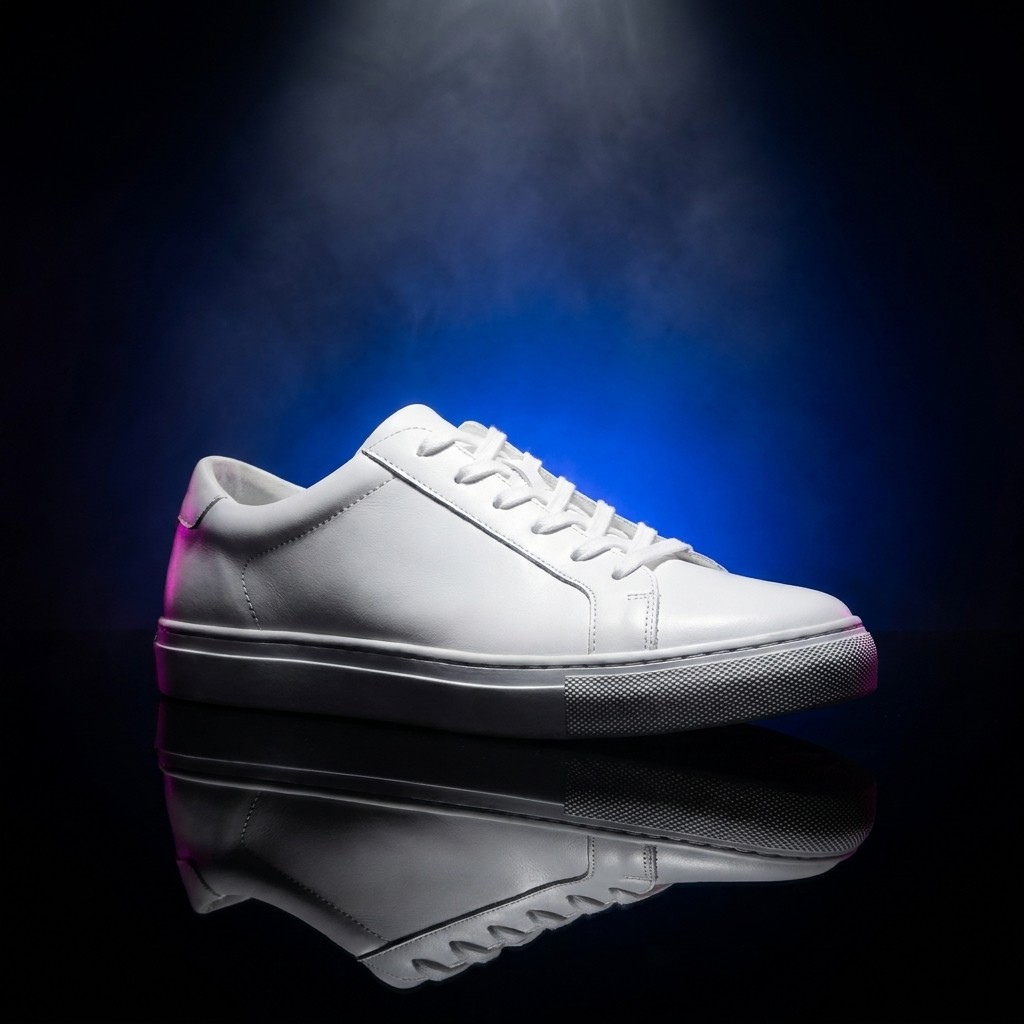
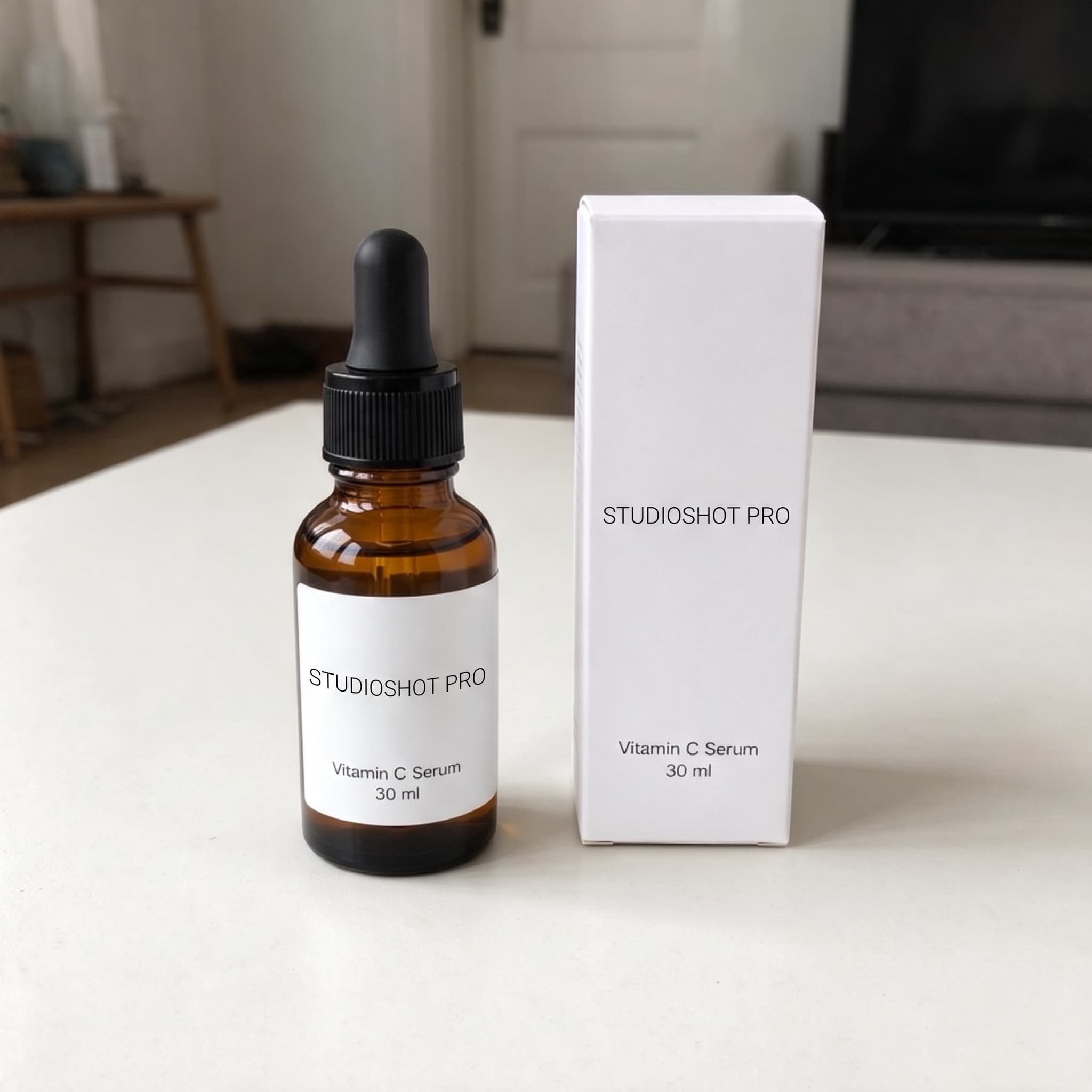
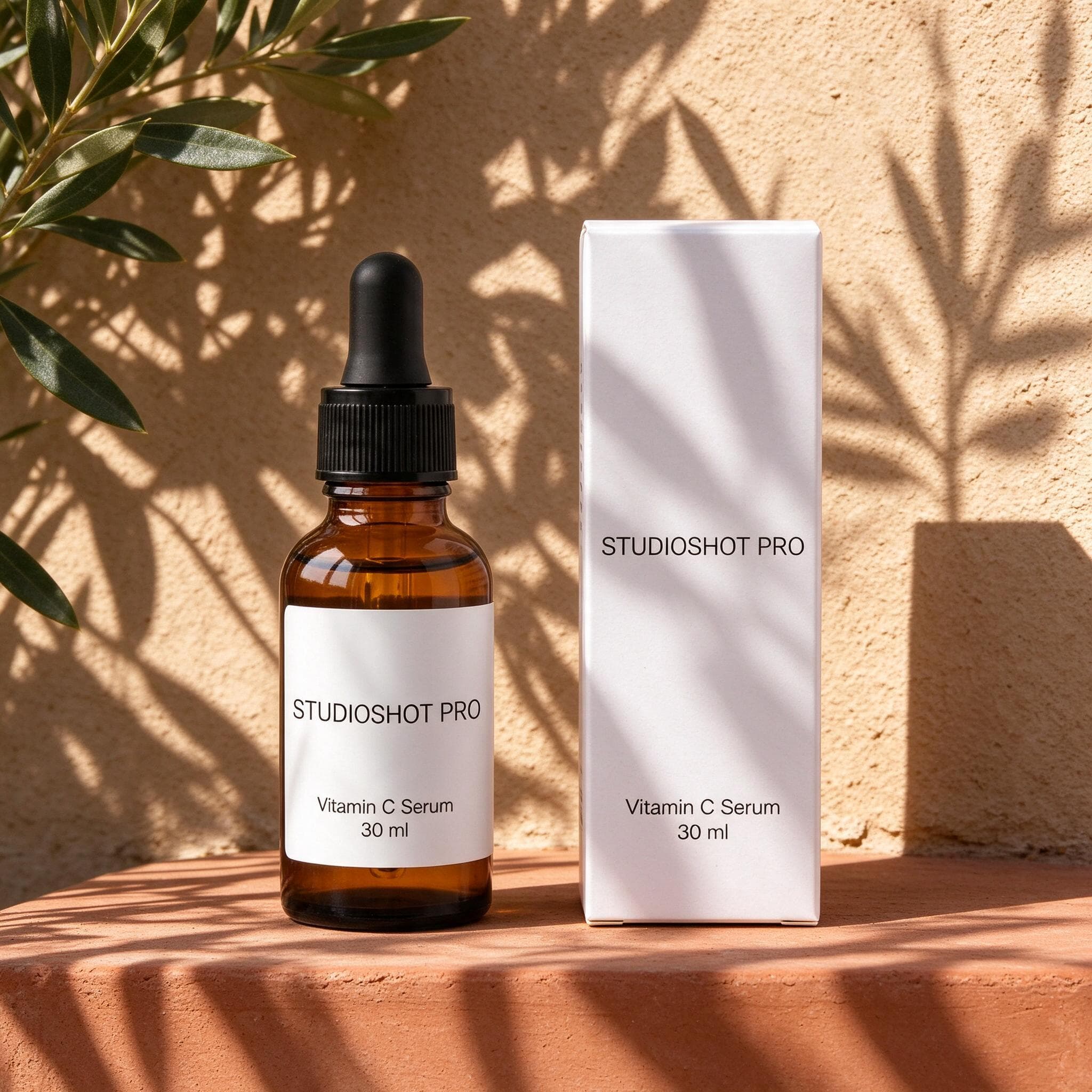
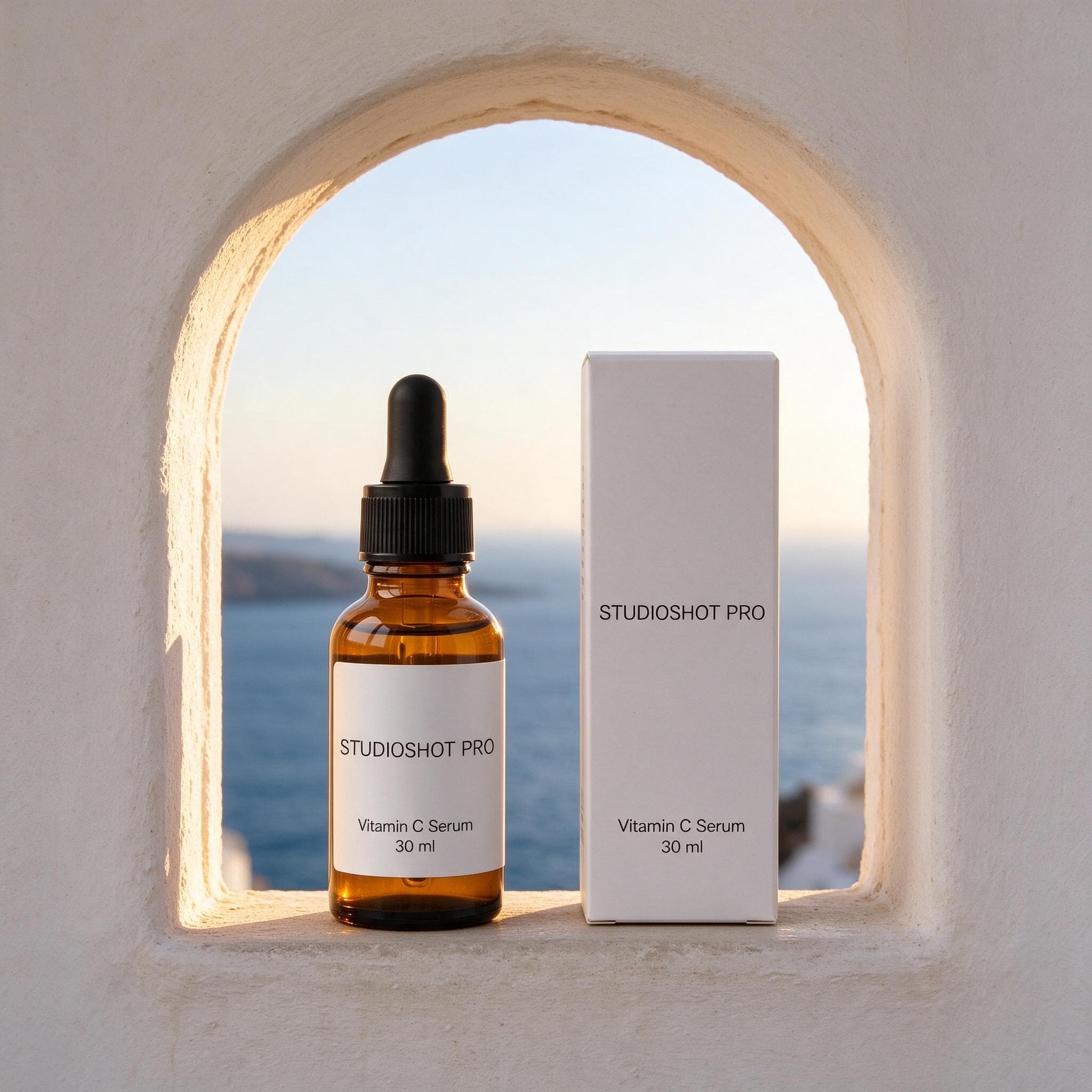
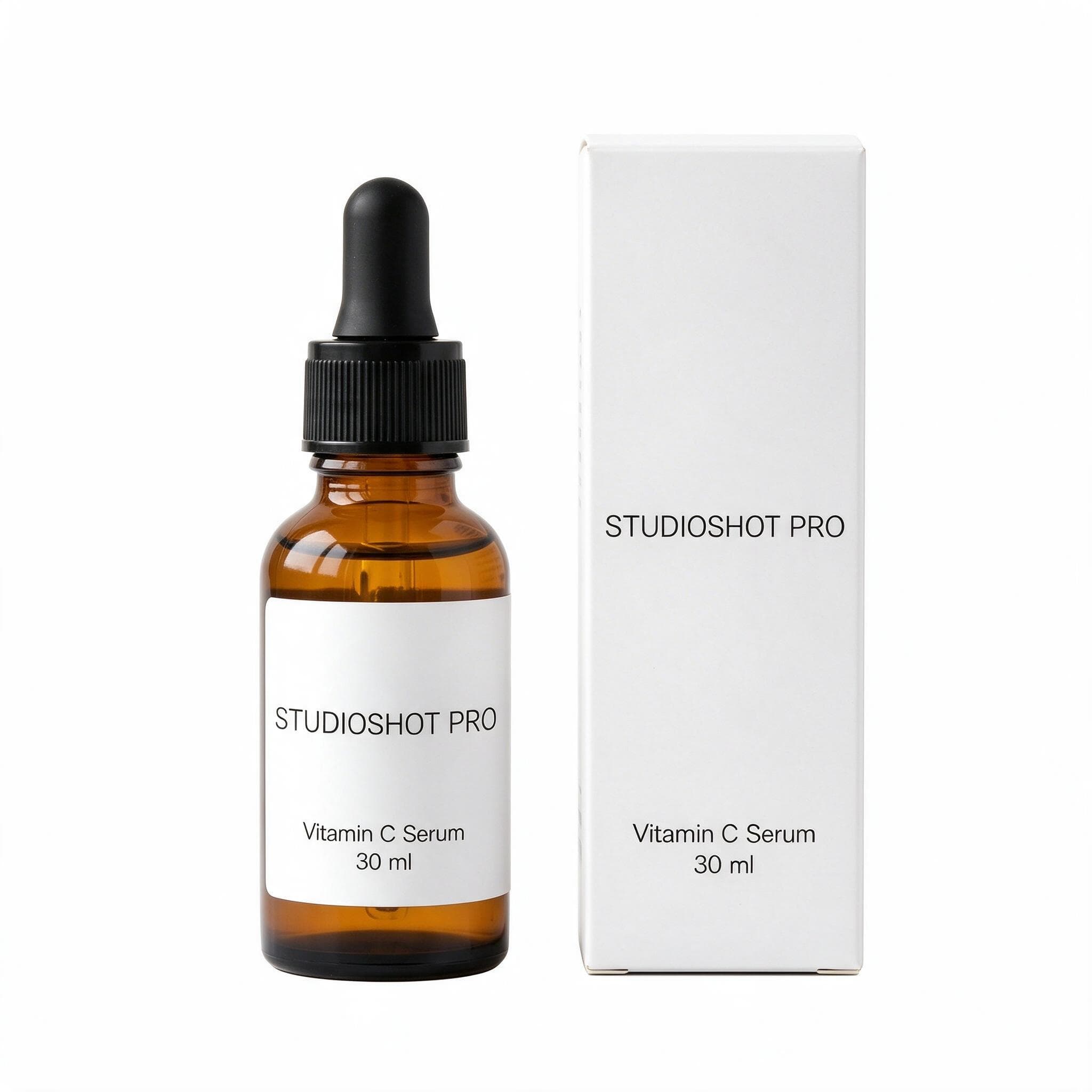
One product, any scene
Pick a ready-made scene or describe your own. Shop-ready in seconds.
Make your first image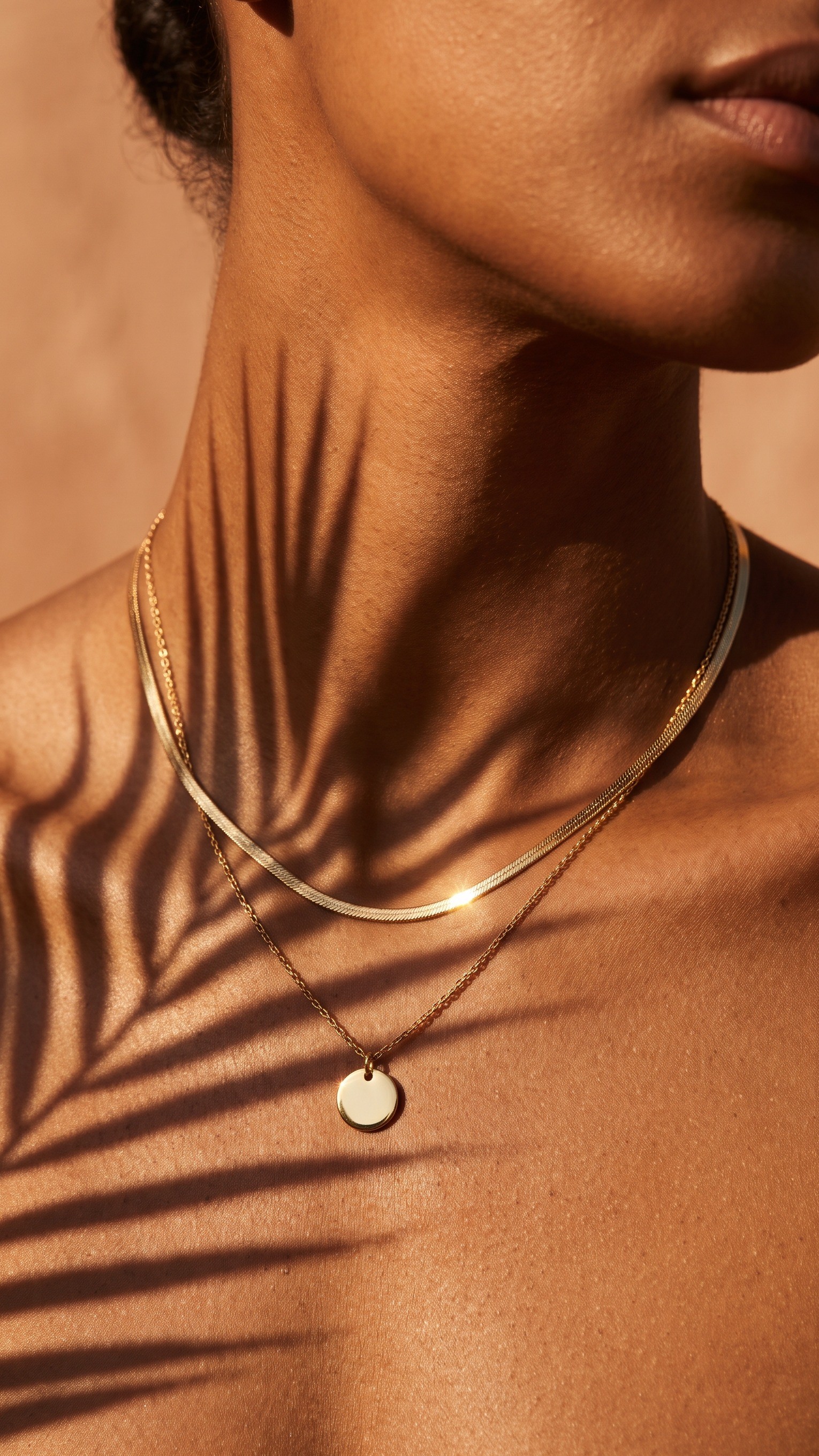

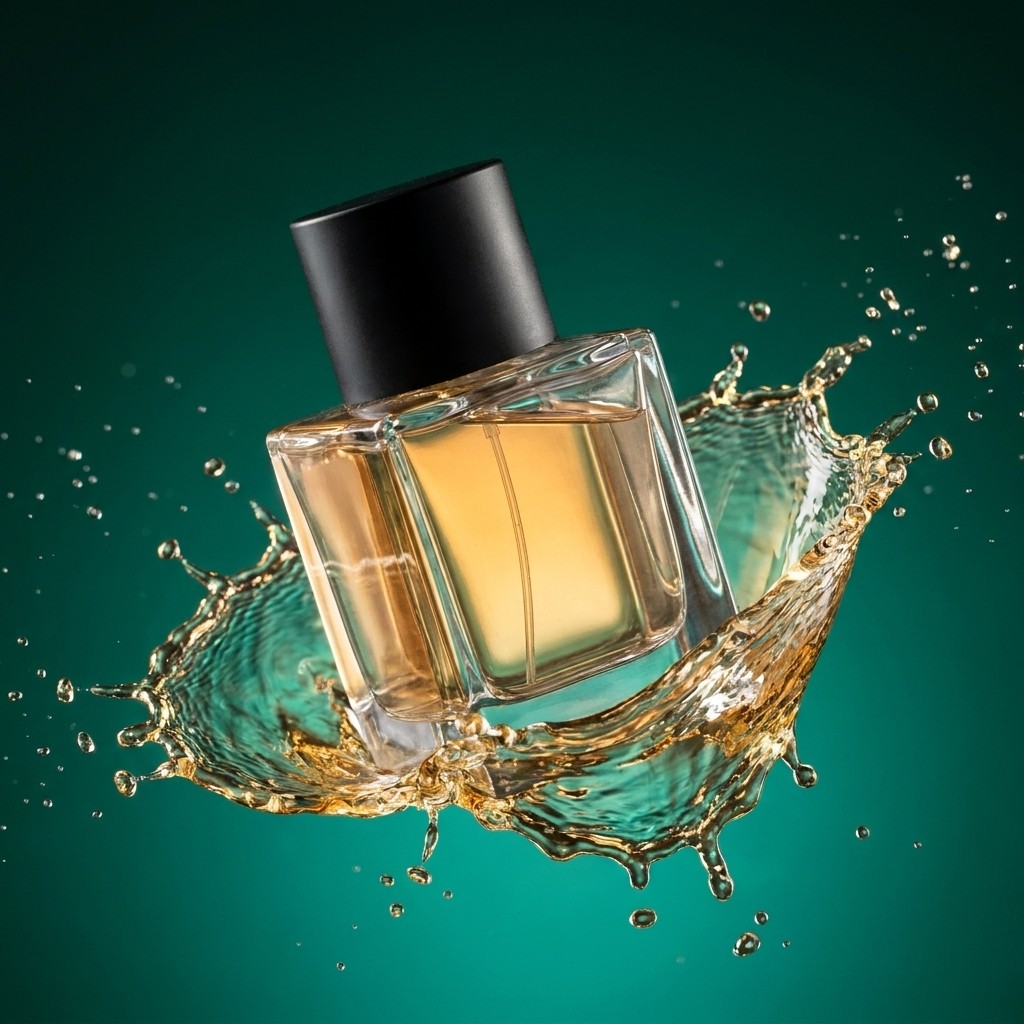

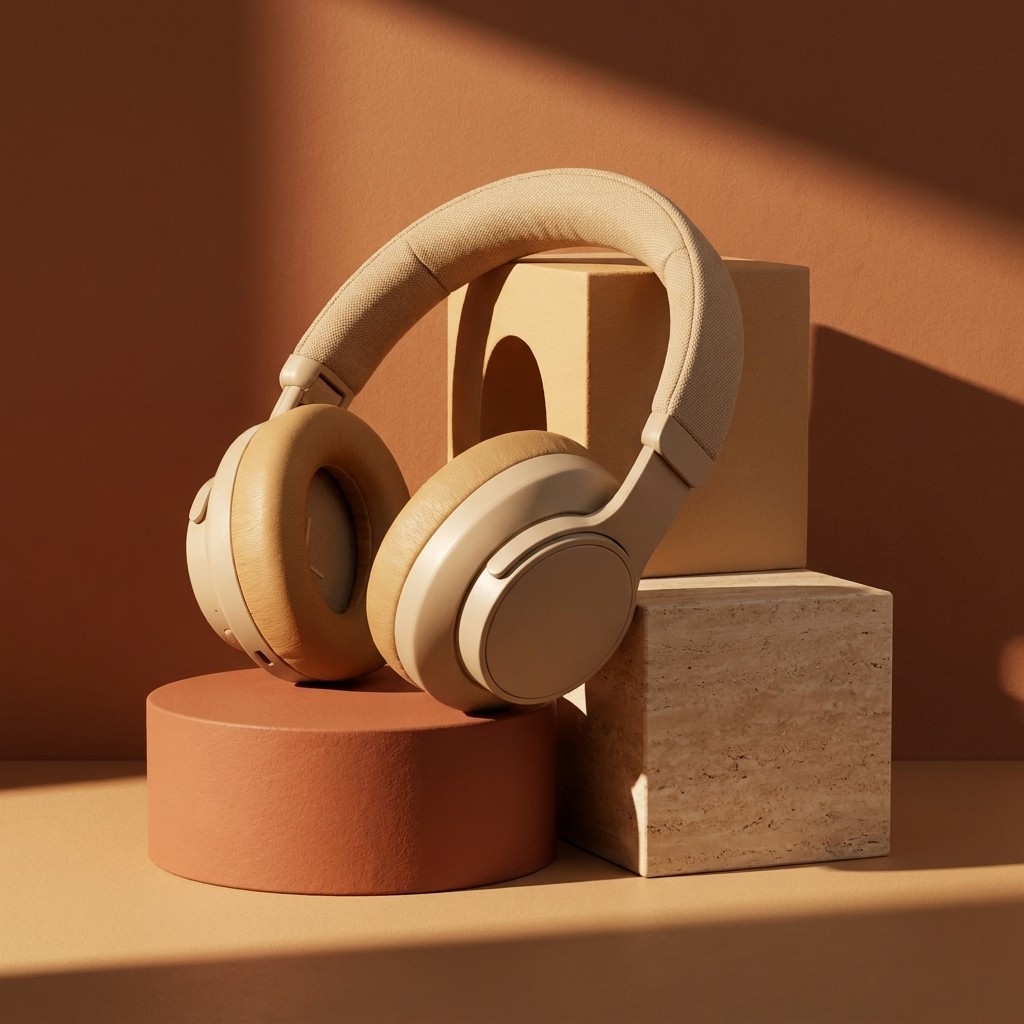
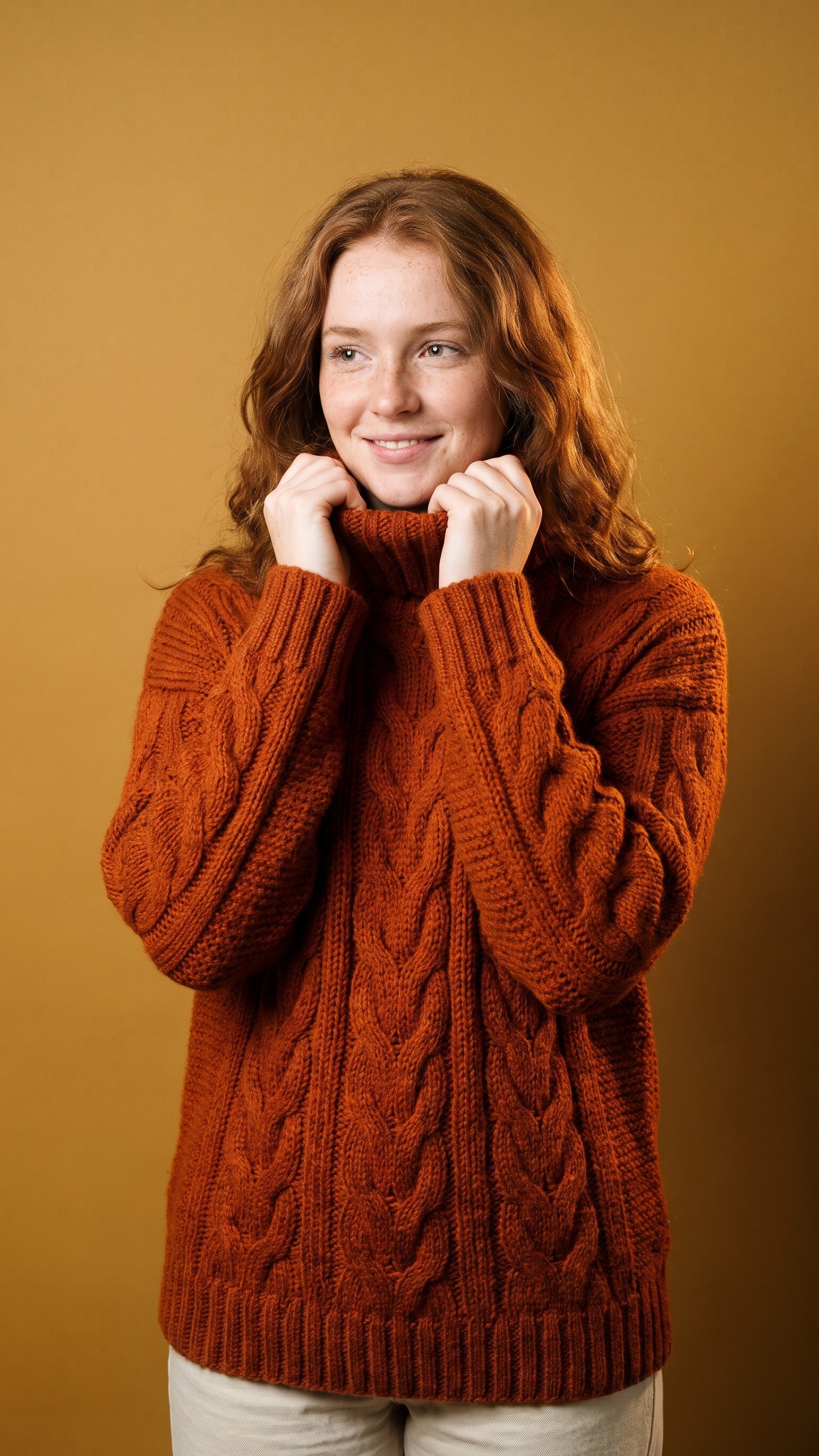
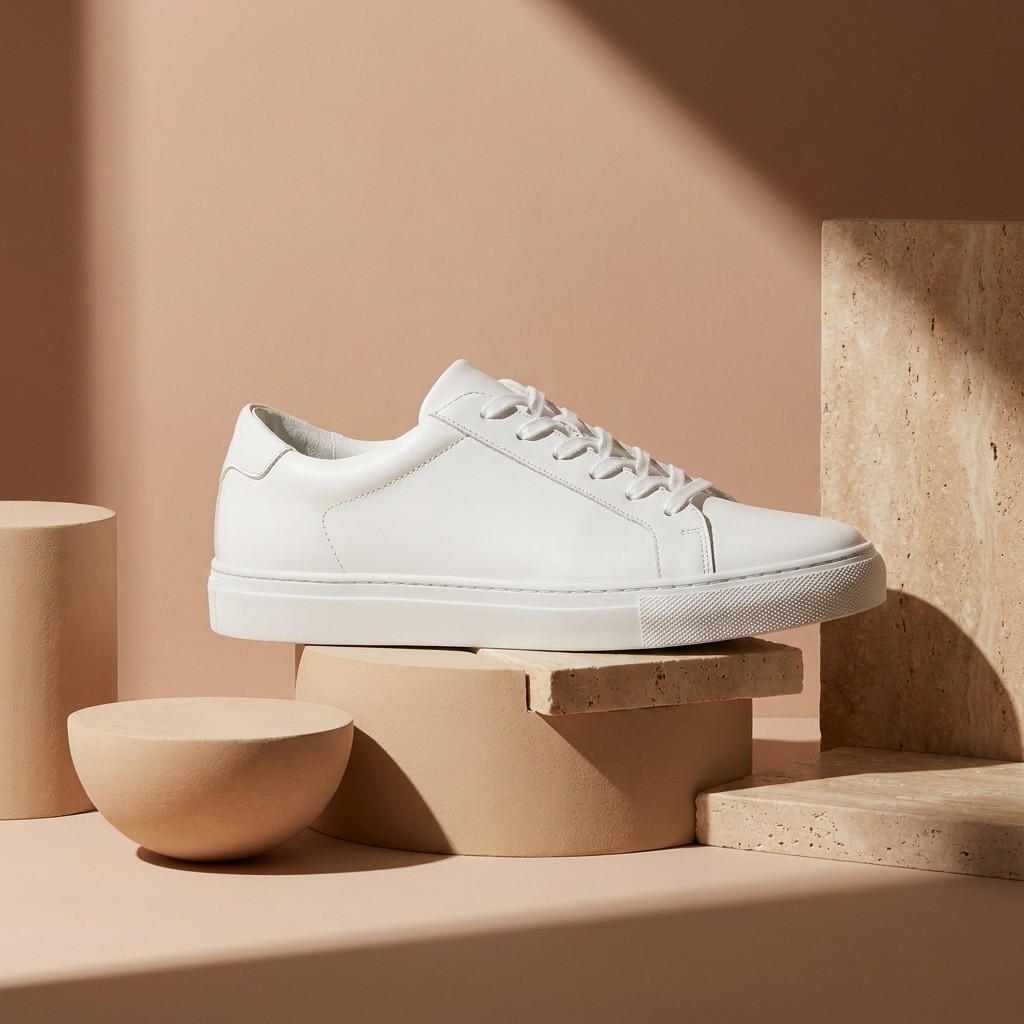


Video ads that sell
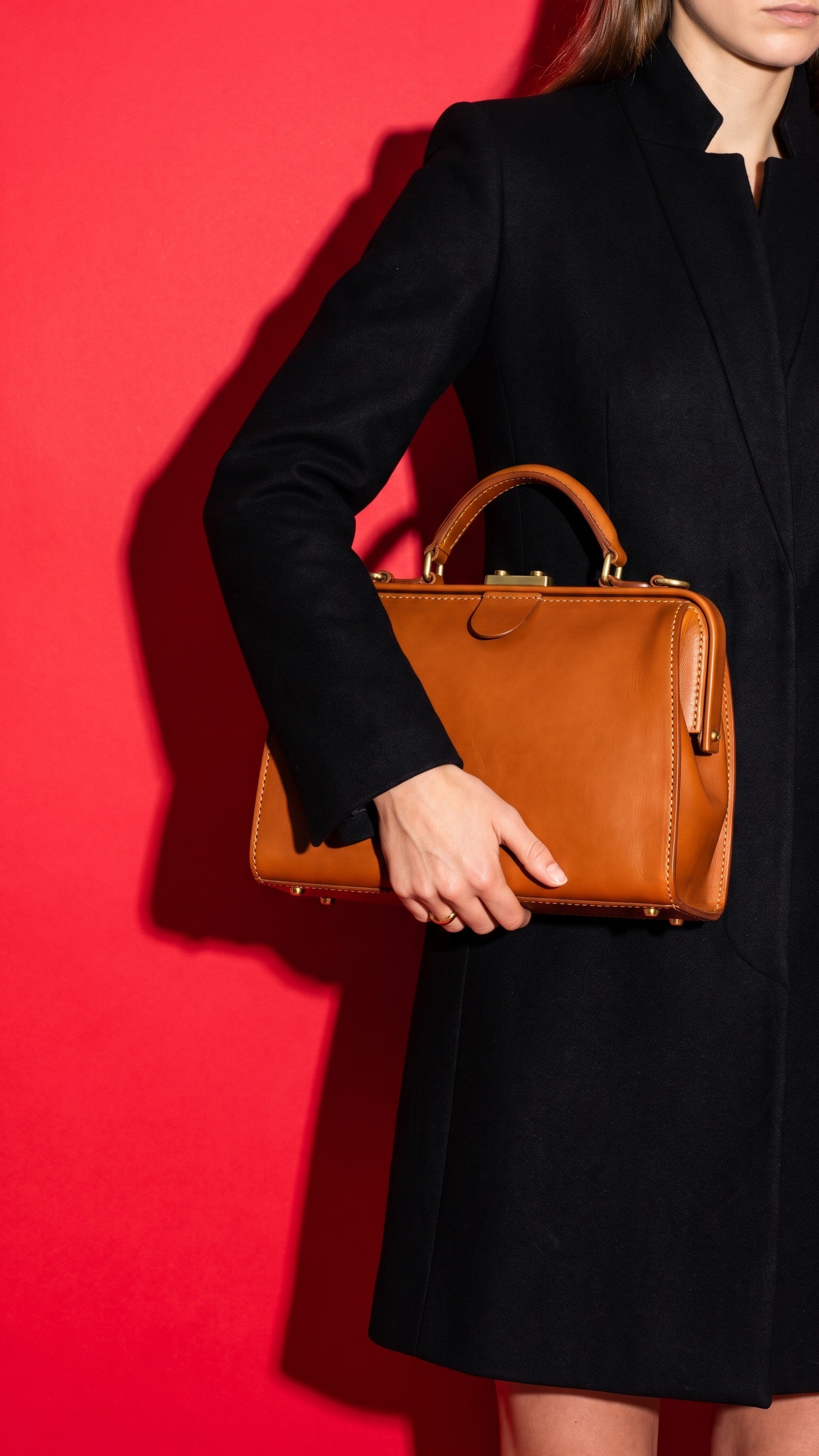
- Fashion try-on
A model wears your clothes and shoes and moves in them, like a fashion shoot you never had to book.
- AI UGC ads
A person holds your product and talks about it to camera, like a real customer video.
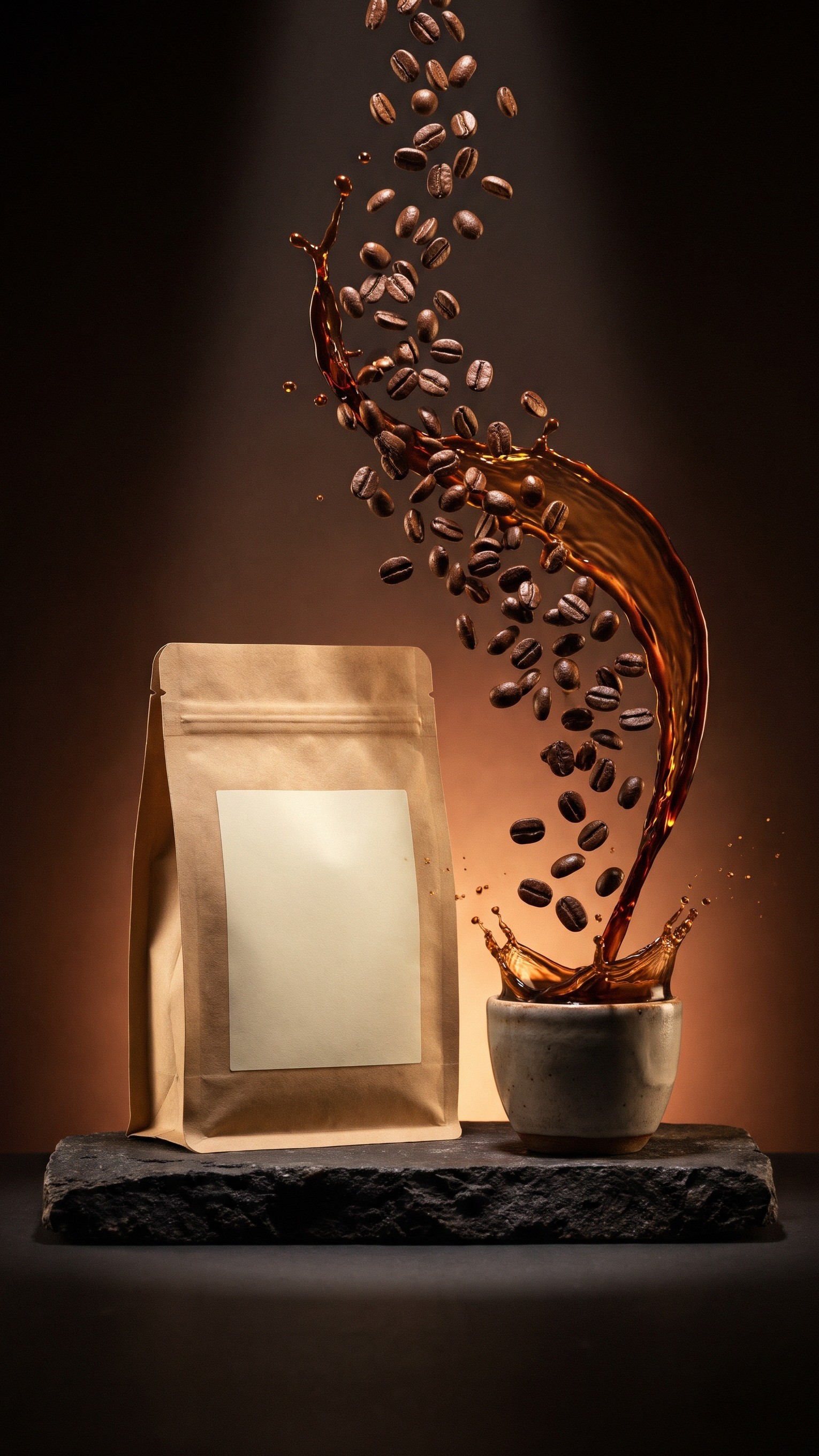
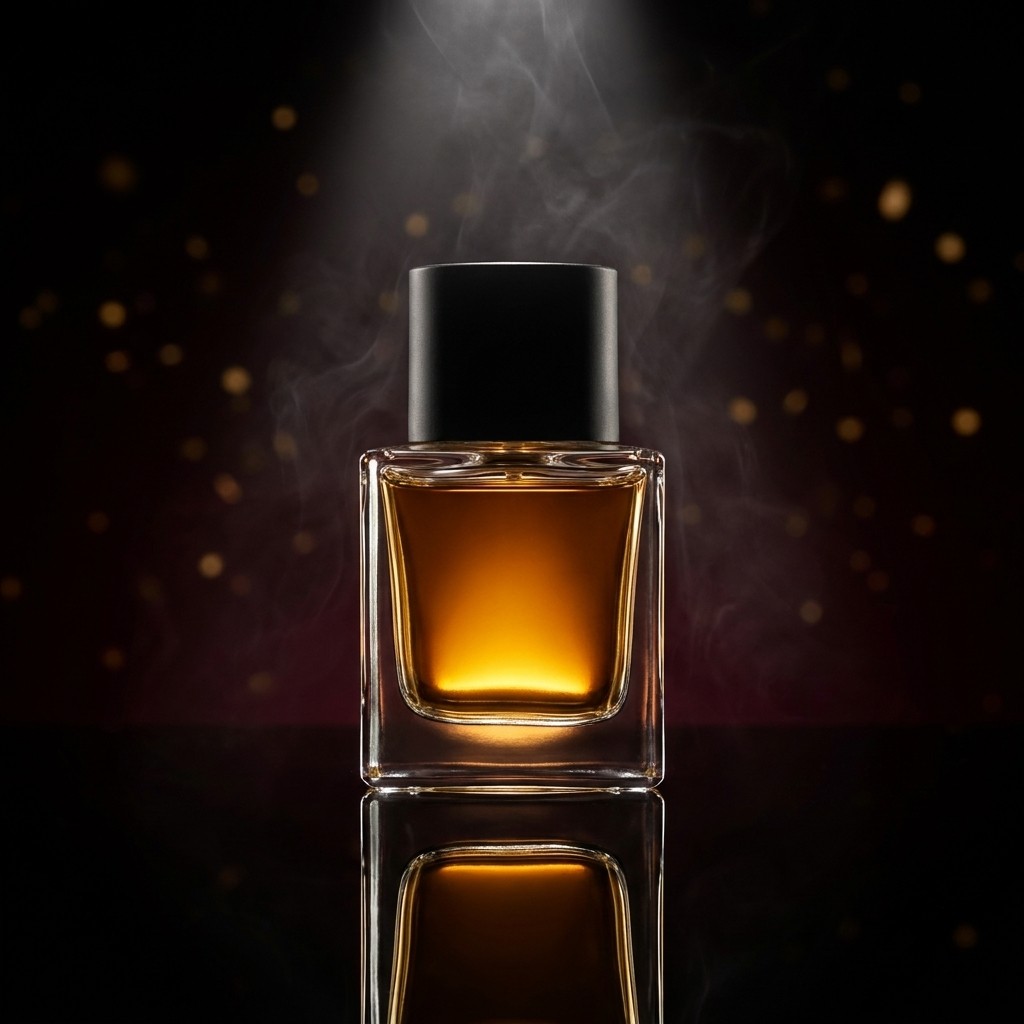
- Aesthetic cinematic ads
Moody light and slow camera moves, for a hero shot worthy of a campaign.
Every kind of video
- Anything you can imagine
Before and after
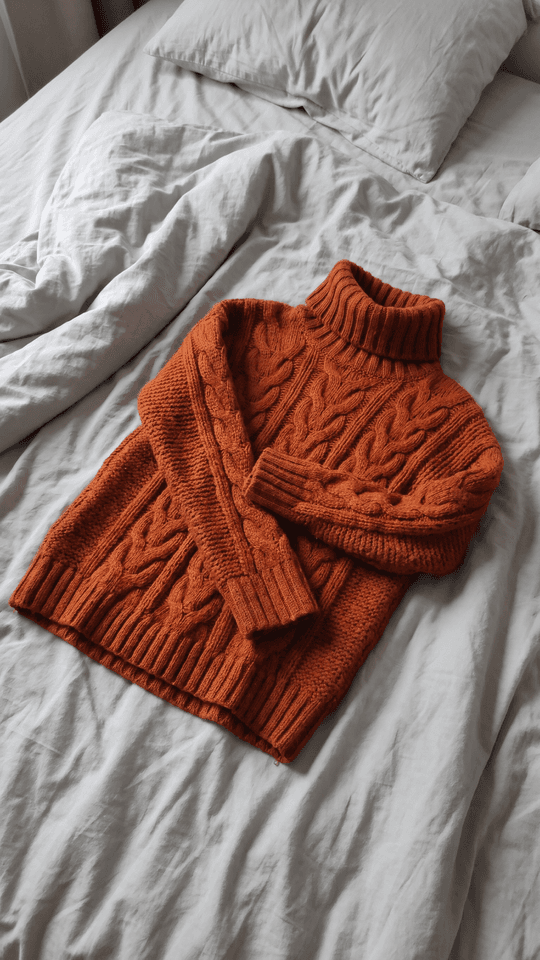
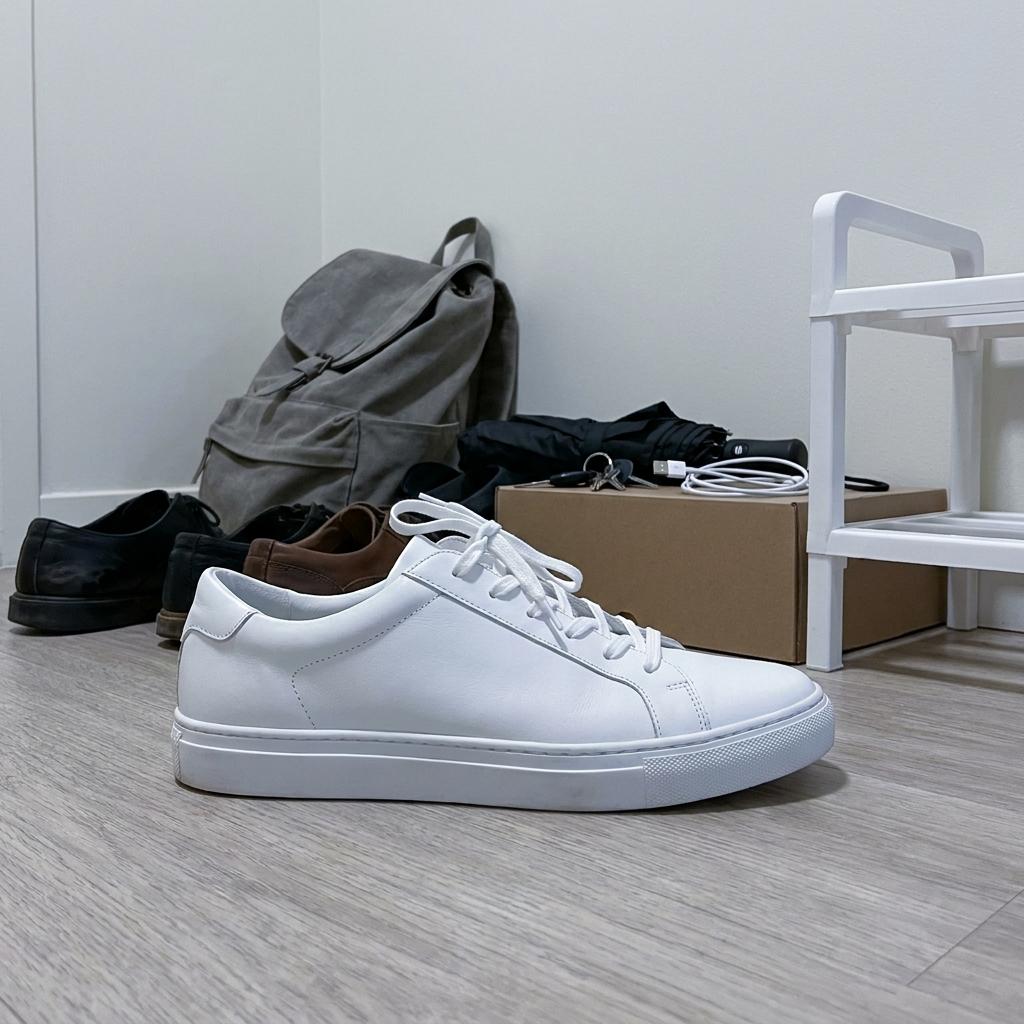
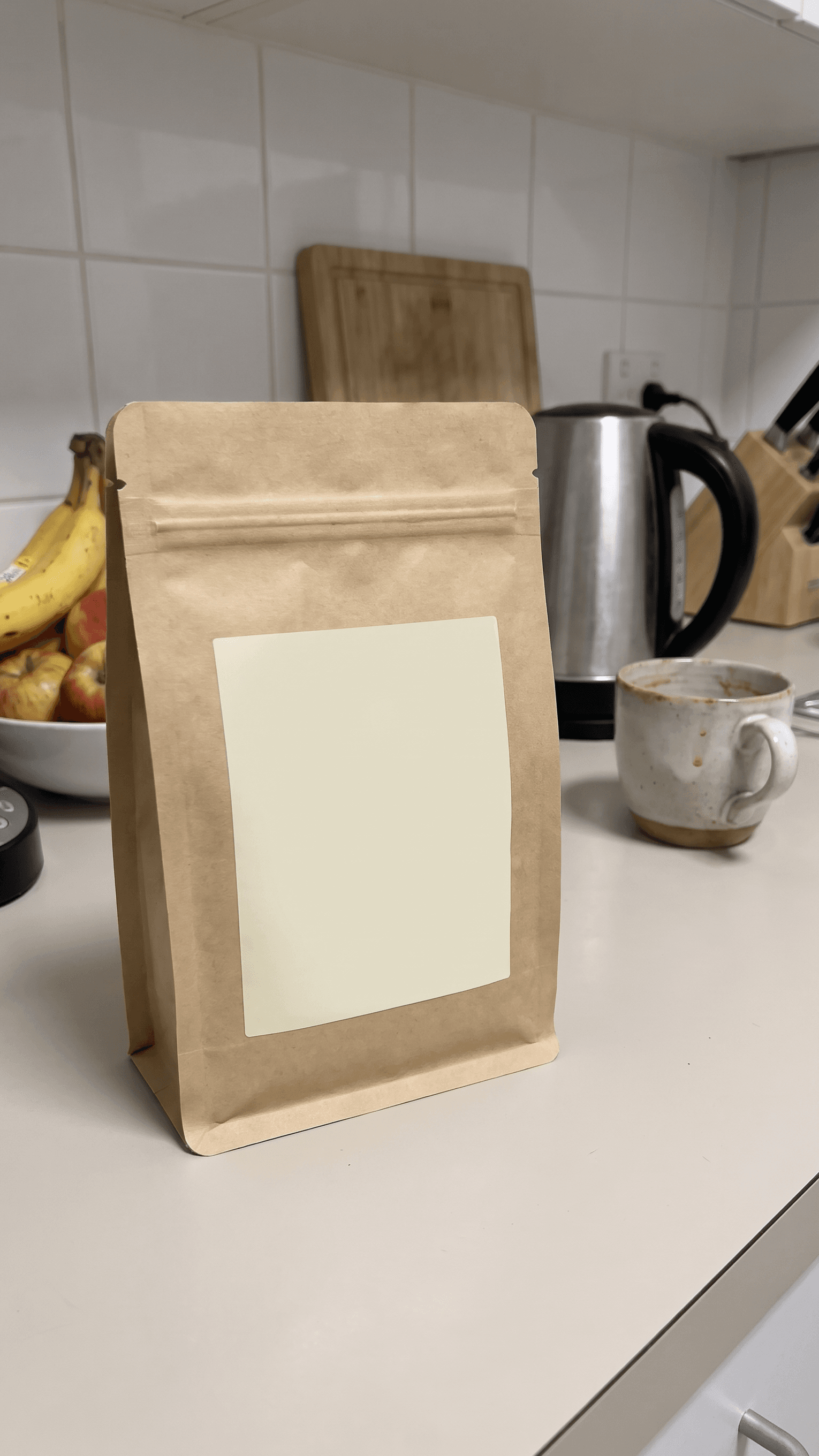
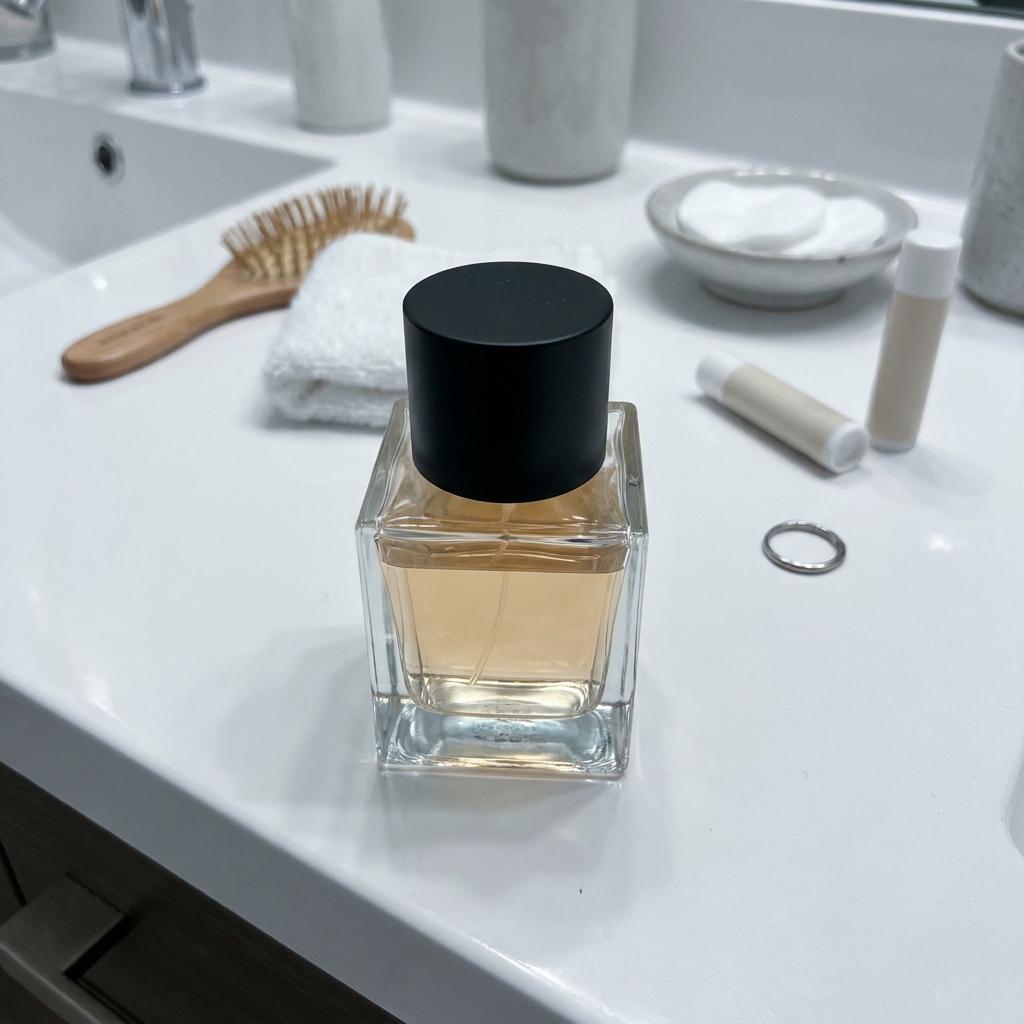
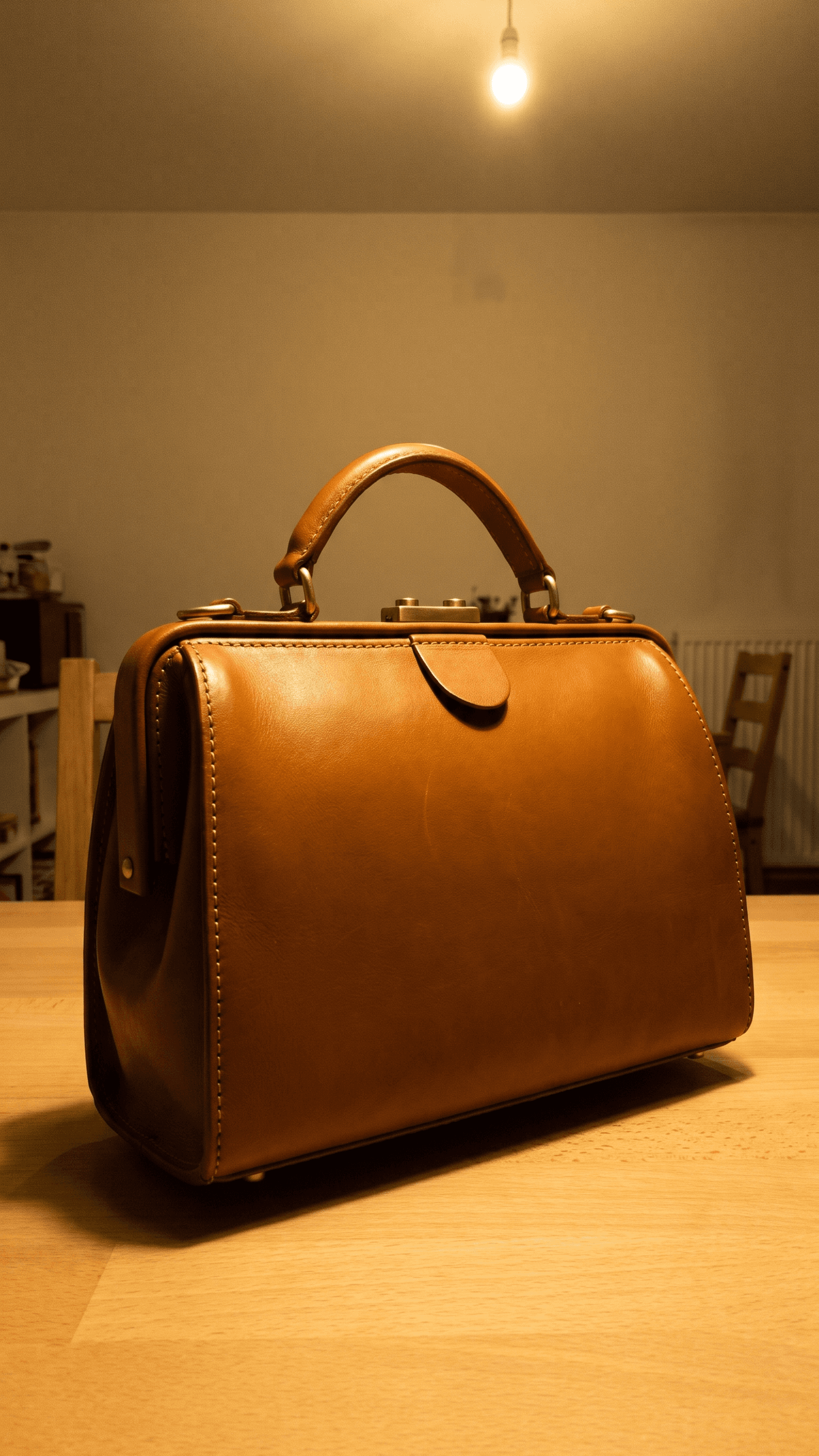
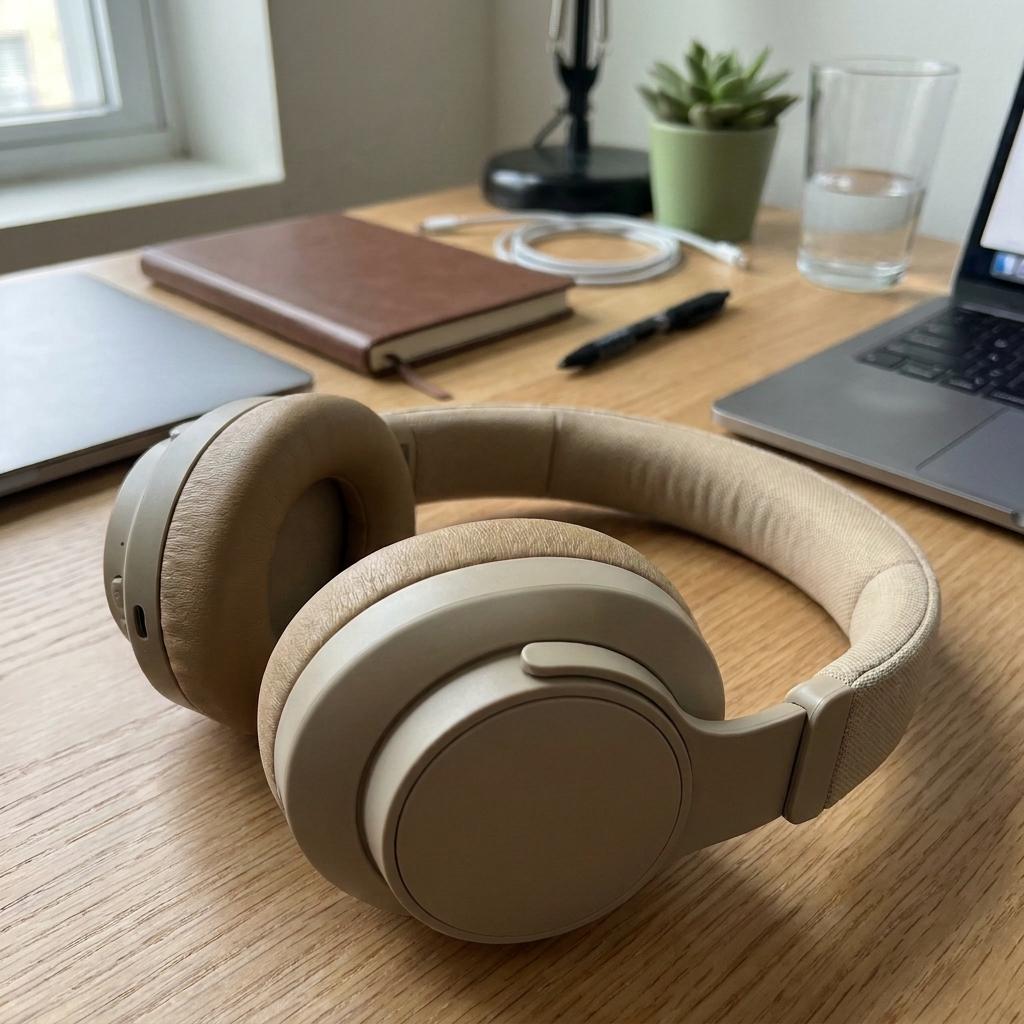
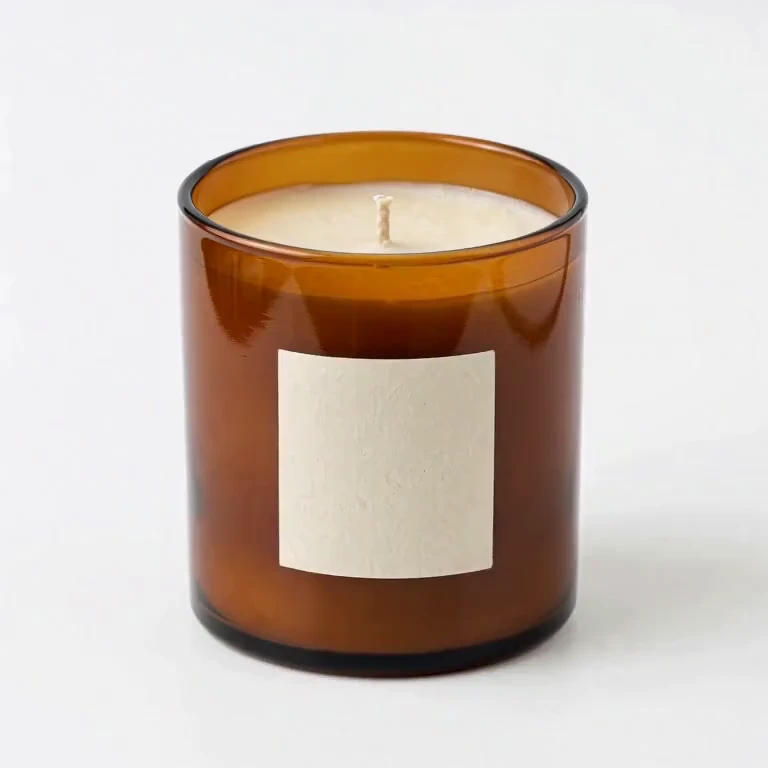
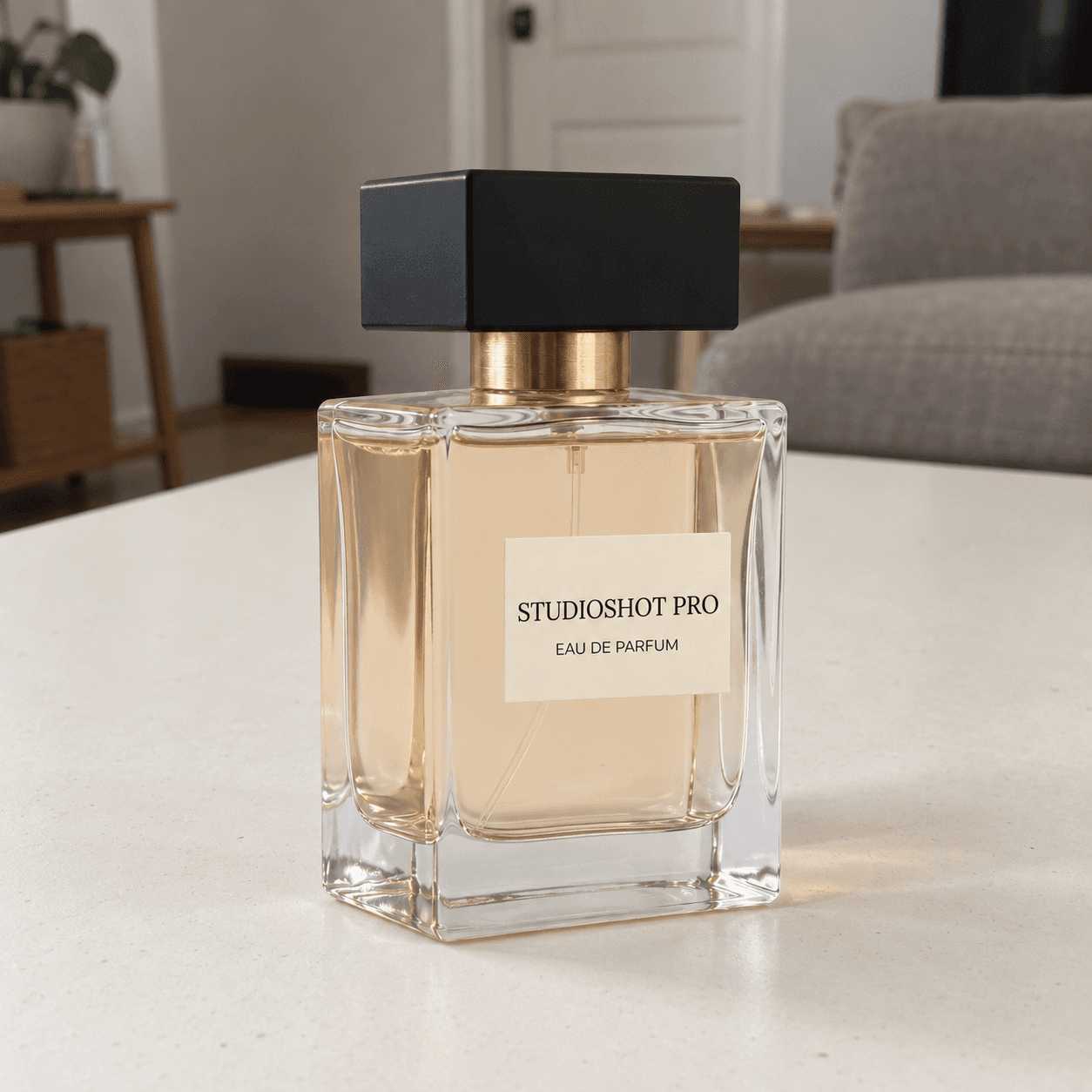
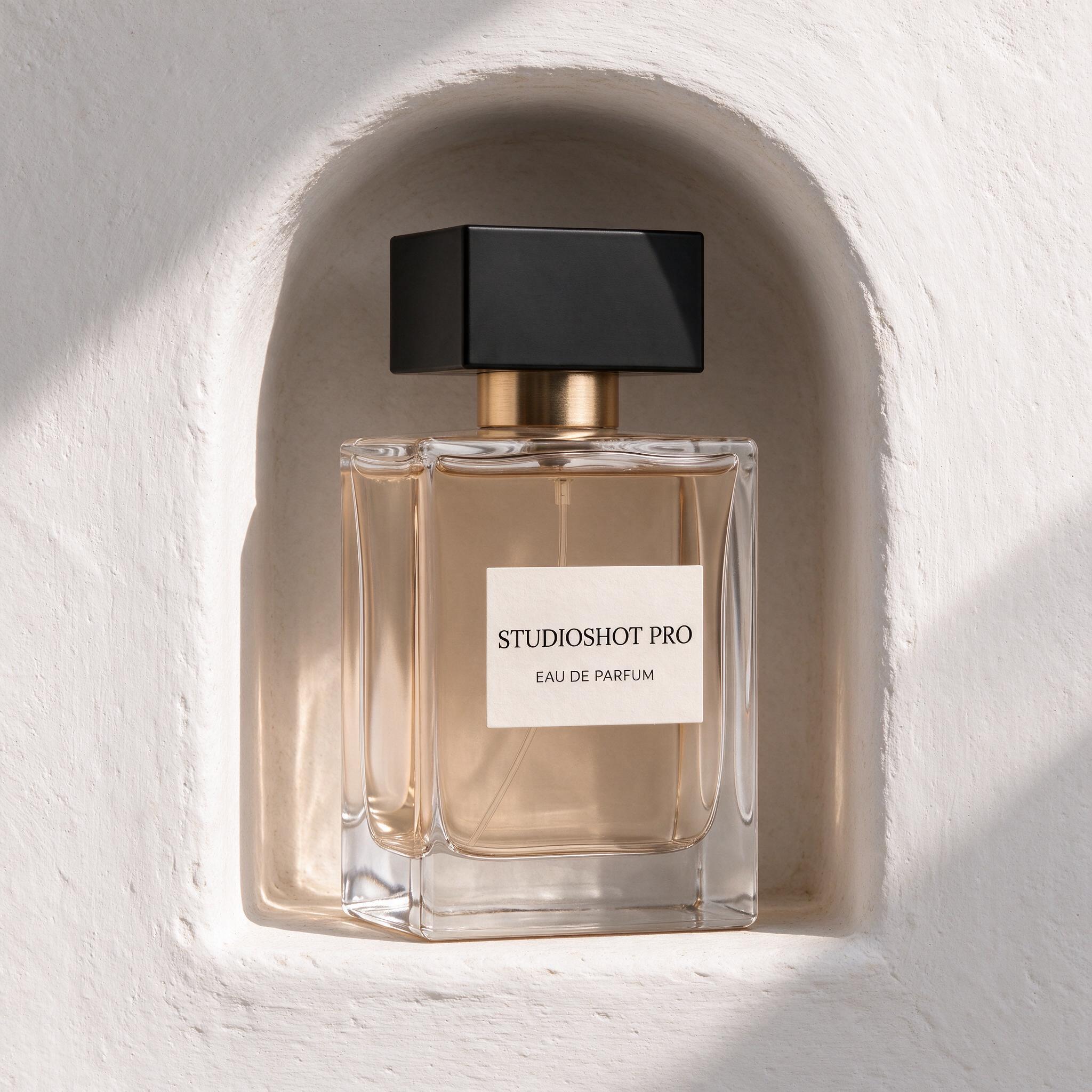
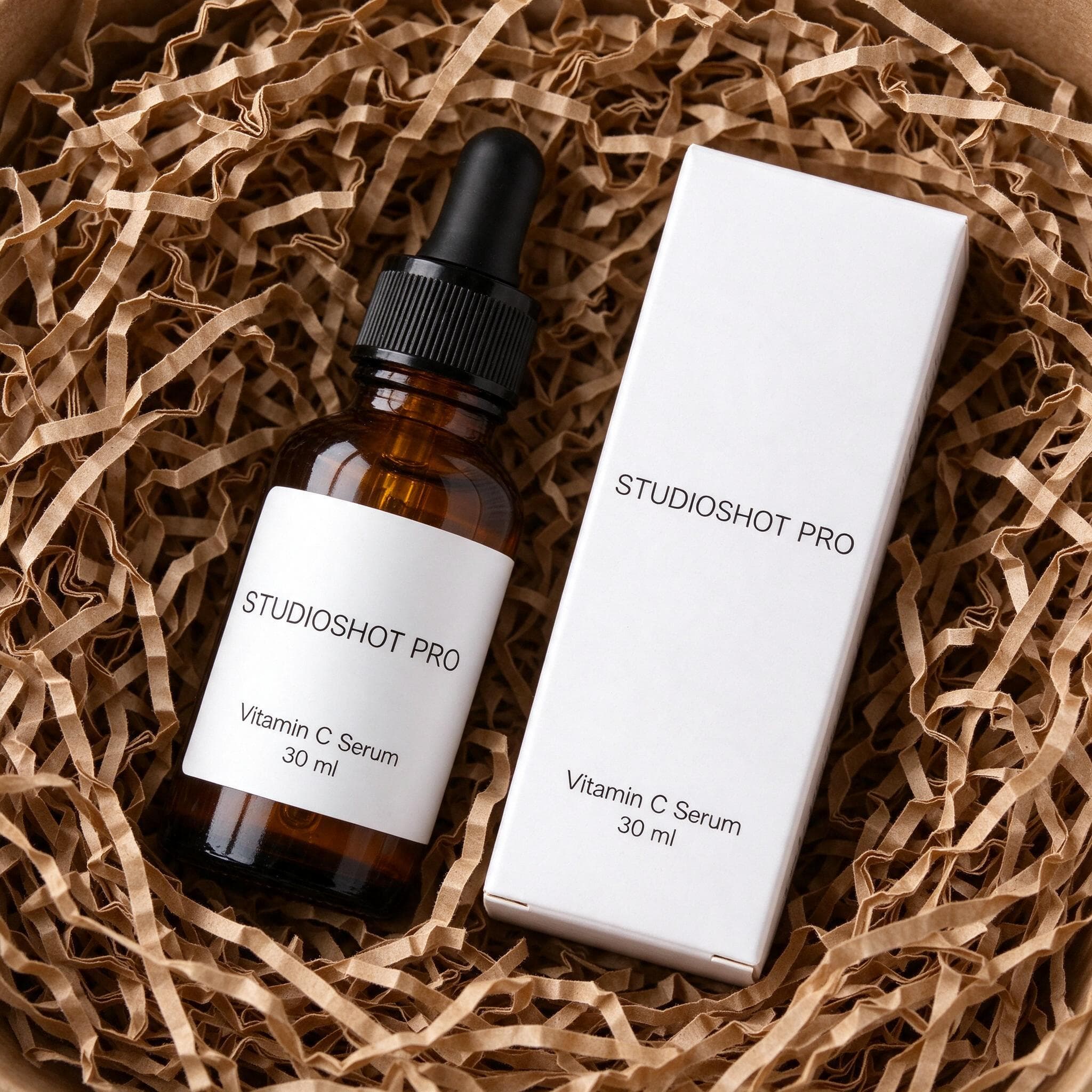
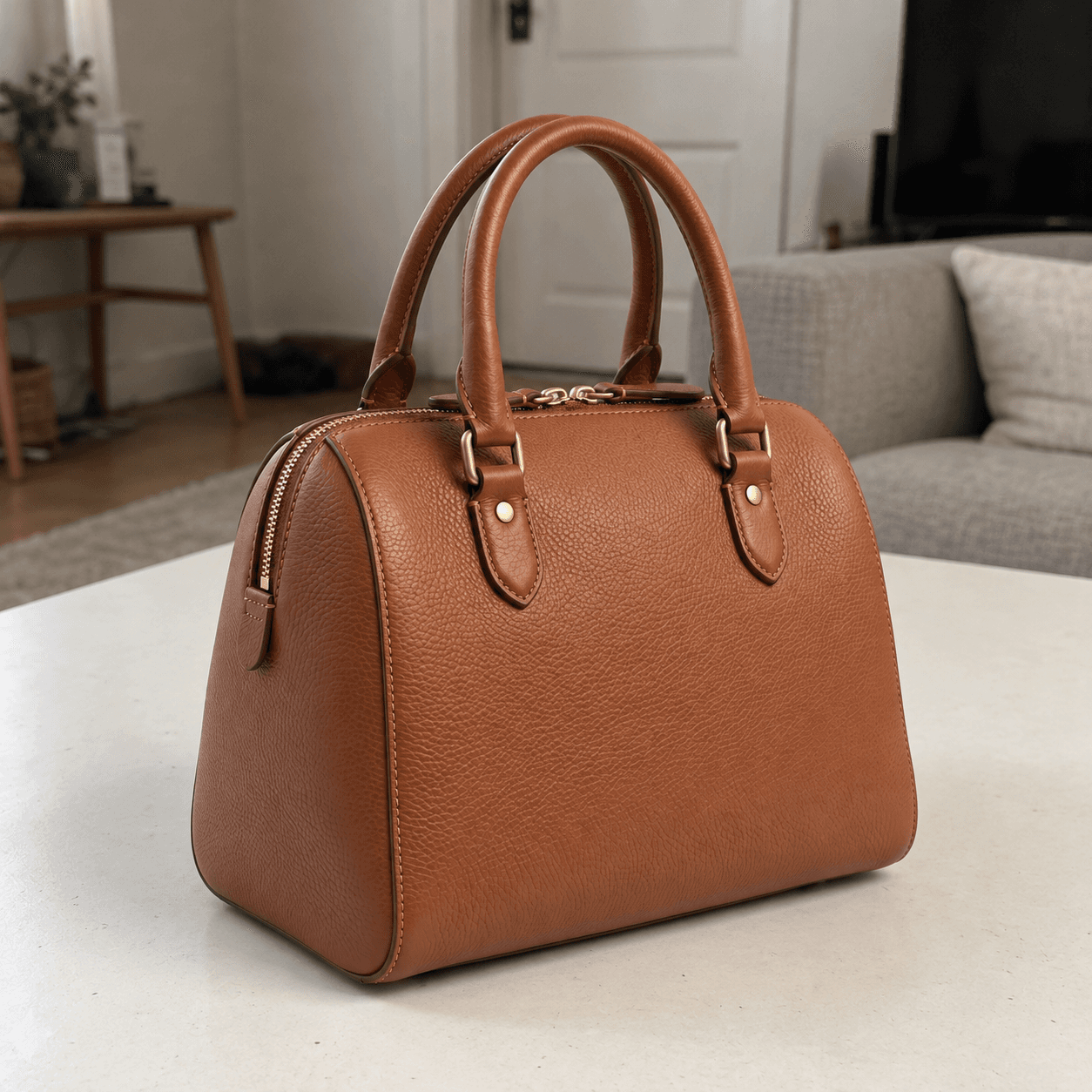
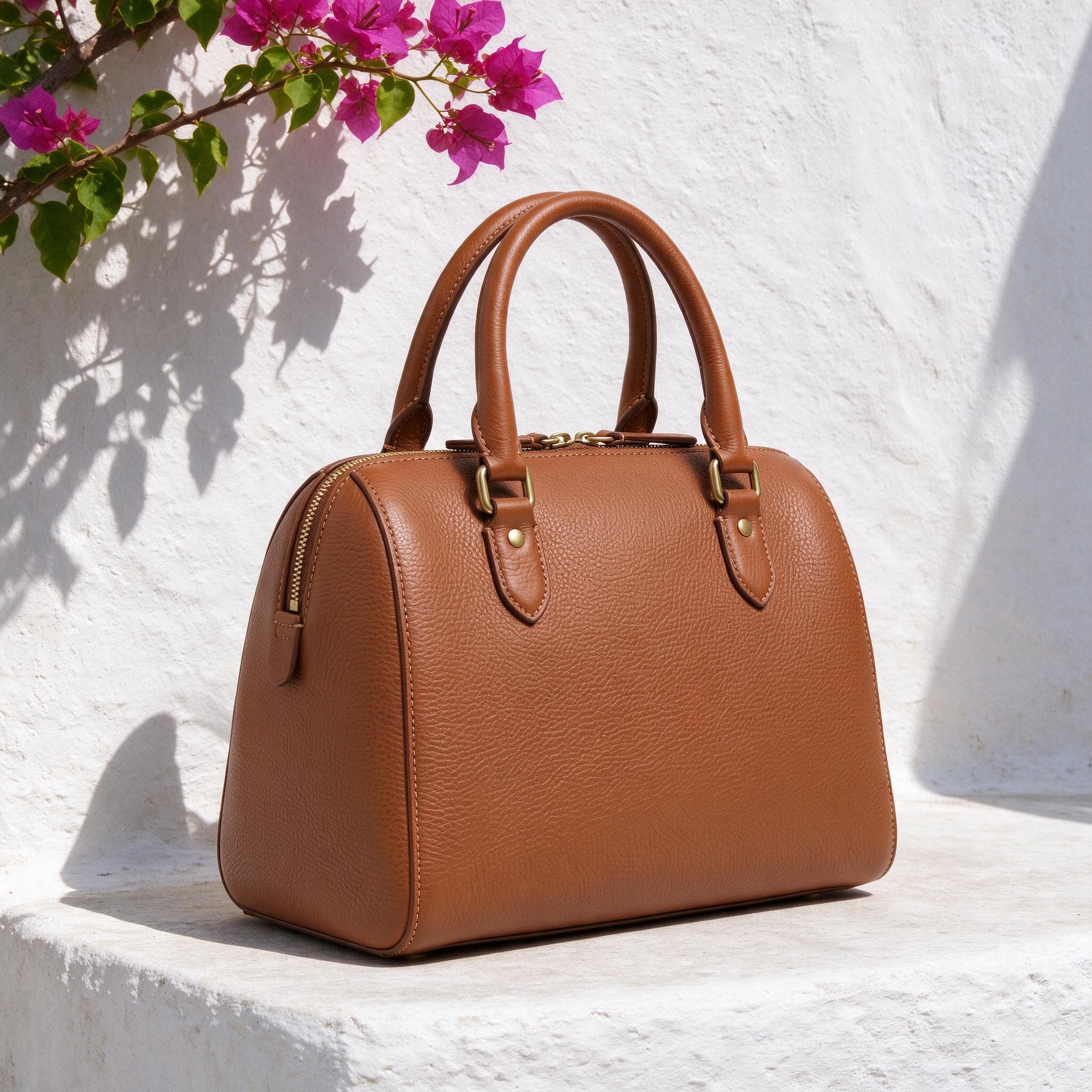
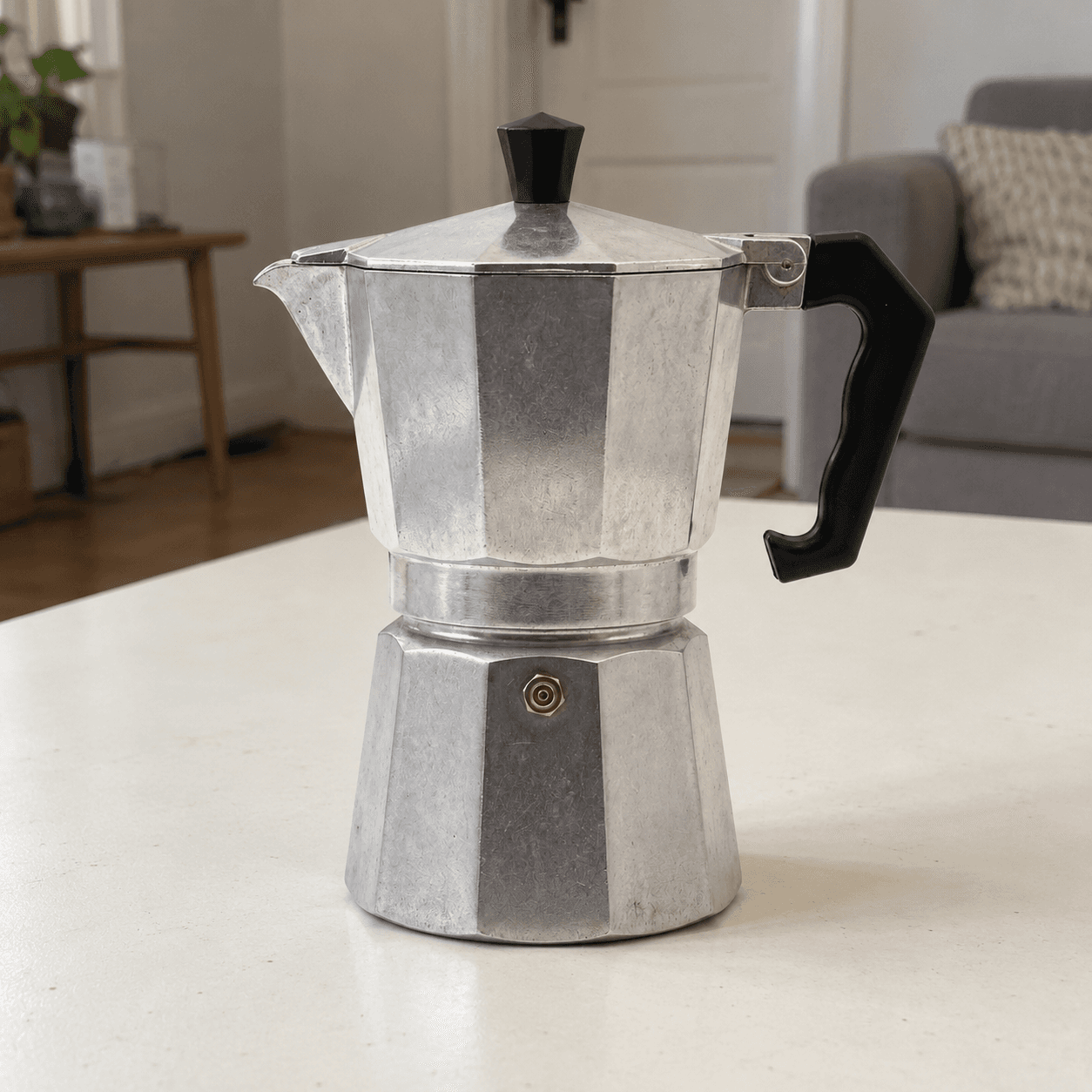
From your shop to your Instagram
Frequently asked questions
Everything you need to know before your first image.
How much does professional product photography cost?
Studios usually charge around €2–3 per photo plus VAT for simple shots on a white background, deliver in 48–72 hours, and need your products sent to them. With StudioShot Pro you pay a monthly plan instead: about $0.24 a photo at 1K on Basic and $0.17 on Pro, and each one is ready in seconds from a photo you take yourself.
Is StudioShot Pro free?
Try it free: your product in 4 scenes, plus 50 credits on top for photos and short videos. No card needed. The demo shows your own product in 4 scenes, and the credits are yours to spend on photos and short videos. When you need more, plans for businesses start at $8.99 a month billed yearly, or $11.99 billed monthly, and you can cancel anytime.
Why not just use ChatGPT or Gemini for product photos?
ChatGPT or Gemini
- Upload a photo
- Write a prompt
- Iterate, retry, wait
- Maybe get a good result
Then start again for the next product.
StudioShot Pro
Built for product photos- No prompt writing necessary
- 135+ ready-made product scenes
- Finished image in under 30 seconds
- Your product kept as it is
- Generate Images from up to 5 angles
- Batch: up to 50 products at oncePro
- Video Studio: short product videos
Do better product photos increase sales?
Shoppers say they do. In Etsy's buyer surveys, 90% of shoppers said photo quality was extremely or very important to their decision to buy. Clear photos earn the click, build trust and answer questions before they become doubts. Read more in how to increase your online sales with better product photos.
Can I take product photos with my phone?
Yes. Any recent phone camera is good enough. Shoot in daylight, keep the product in focus and let it fill most of the frame. StudioShot Pro replaces the background and matches the light and shadows, so where you take the photo matters much less. Our phone photography guide covers the details.
Will my photos meet Shopify, WooCommerce and Etsy image requirements?
Every image downloads as a high-quality JPG, which Shopify, WooCommerce, Etsy and every major marketplace accept, in 2K HD or 1K on every plan, square or in the 3:4, 4:3, 9:16 or 2:3 shape you choose. Each platform recommends its own sizes and rules. Our guides for Shopify, WooCommerce, Etsy, eBay, Vinted, Facebook, Instagram and Pinterest list them, with links to the official specs.
How is StudioShot Pro different from remove.bg or Canva?
Background removers like remove.bg cut your product out and stop there. Canva is a general design tool where you build the image yourself. StudioShot Pro is made for product photos: it removes the background, places the product in a studio or lifestyle scene and matches the light and shadows, so the result looks photographed, not pasted in.
Can I edit many product photos at once?
Yes. From the Pro plan, Batch takes up to 50 product photos in one run and puts them all in the same scene, directed by a preset or your own description, in one aspect ratio and resolution. It keeps running when you close the page, and you download the results as a ZIP. Pro's 1,400 credits a month cover up to 140 photos at 1K, and Max's 3,200 up to 320.
Can it make product videos?
Yes. Video Studio turns one or two of your images into a short video, with or without sound: a turntable, a push-in, an orbit, the product in use, a UGC clip with a person showing it to camera, a cinematic ad, or a motion you describe. Videos come in 16:9 or 9:16, so they fit Reels, TikTok and Stories. Every plan, the free tier included, makes videos up to 10 seconds; Pro and Max make videos up to 30 seconds (15 from reference images). See the features.
What are credits?
Credits are how a plan counts what you make. Photos and videos share one monthly pool: a photo costs 10 credits at 1K or 20 at 2K, and video from 10 credits per 5 seconds. Basic's 500 credits a month make up to 50 photos or up to 250 seconds of video, or any mix. Credits renew every month and unused ones don't carry over. See every price in the plan comparison.
Can I use my supplier's photos?
Yes, if your supplier lets you use them. Turn on Cleanup and it removes watermarks, logos, text and stickers from the photo before your product goes into a scene. It only takes marks away: it never adds anything in their place.
Do the images have a watermark? Can I use them commercially?
No watermark, on any image, the free ones included. You can use them commercially on every plan: in your shop, marketplace listings, ads, catalogues and social posts.
Are the images labelled as AI-edited?
Yes. Every download carries AI-generation metadata and is signed with C2PA Content Credentials, a tamper-evident record of how the image was made. The mark is invisible: nothing is drawn on the image, and it lives only in the file's metadata. That's what Google Merchant Center asks for: it requires AI-made product images to keep that metadata, so StudioShot Pro images are ready for Google Shopping as downloaded. Just don't strip the metadata when you compress or edit the file.